Logitech MK250 Bluetooth Combo: strengths and limitations
Reasons to consider it
- Bluetooth connection does not require a USB receiver
- Compact keyboard retains a number pad
- Published 12-month battery estimate for both devices
- Broad Windows, macOS, and ChromeOS support
Reasons to skip it
- No backlighting or rechargeable battery
- Basic mouse shape and 1000 DPI tracking
- Not designed for multi-device switching
- Compact layout may require an adjustment period
As an Amazon Associate I earn from qualifying purchases. This link may earn PickScoreLab a commission at no additional cost to you.
Short answer: The Logitech MK250 is a basic Bluetooth keyboard-and-mouse package for everyday typing, browsing, and office work. Its strongest advantage is avoiding a USB receiver; its limits are the entry-level mouse, lack of backlighting, and a feature set aimed at one simple workstation.
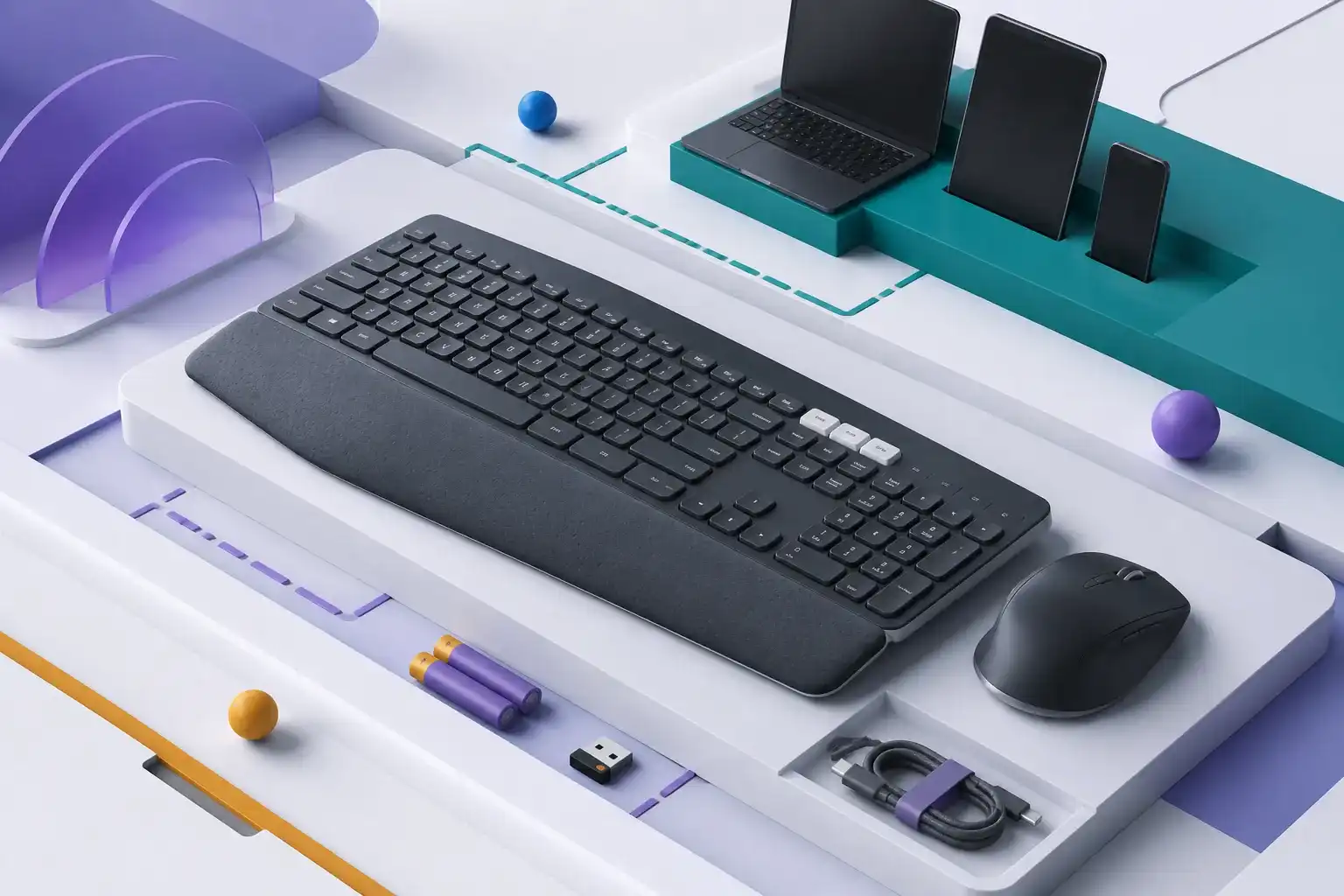
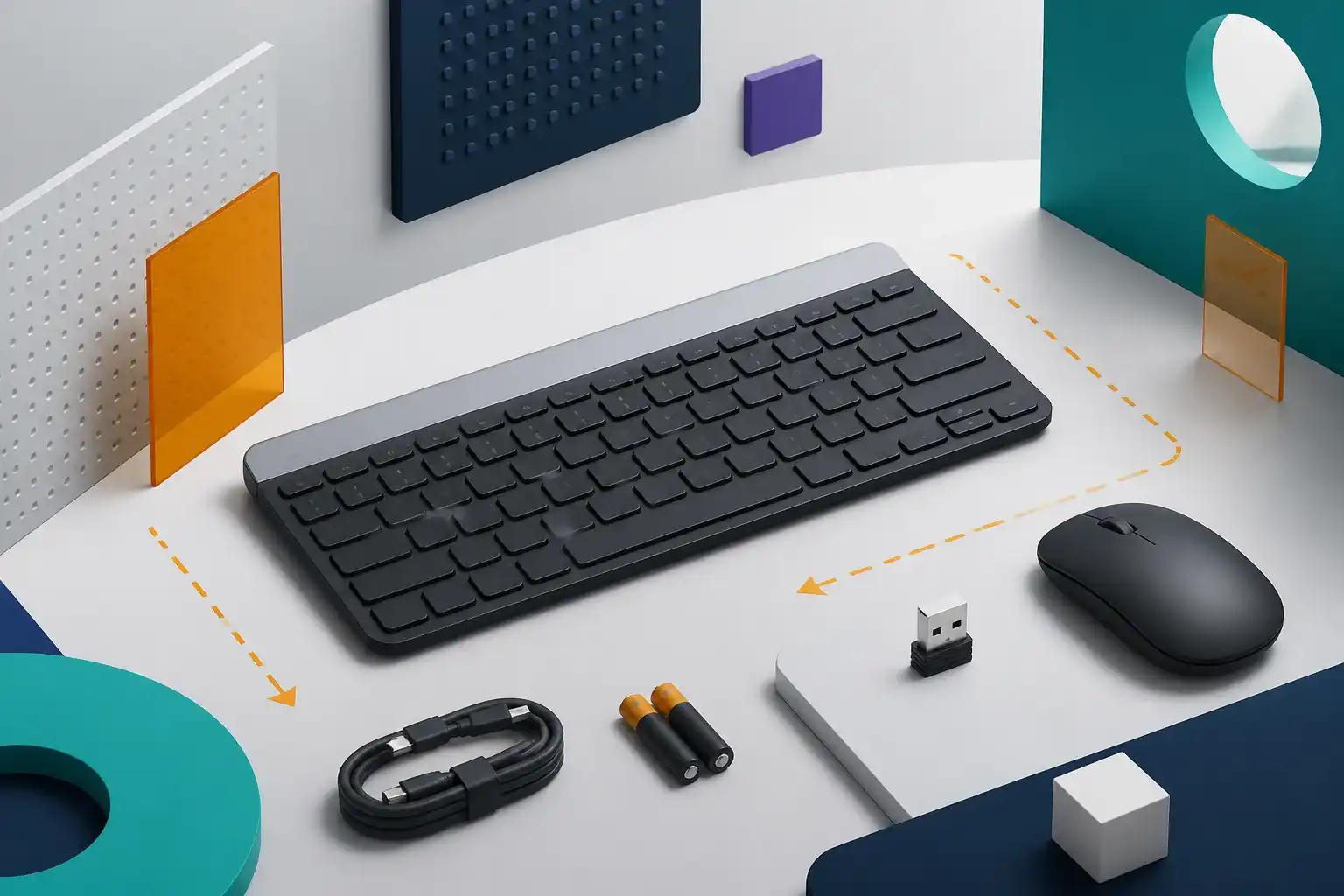
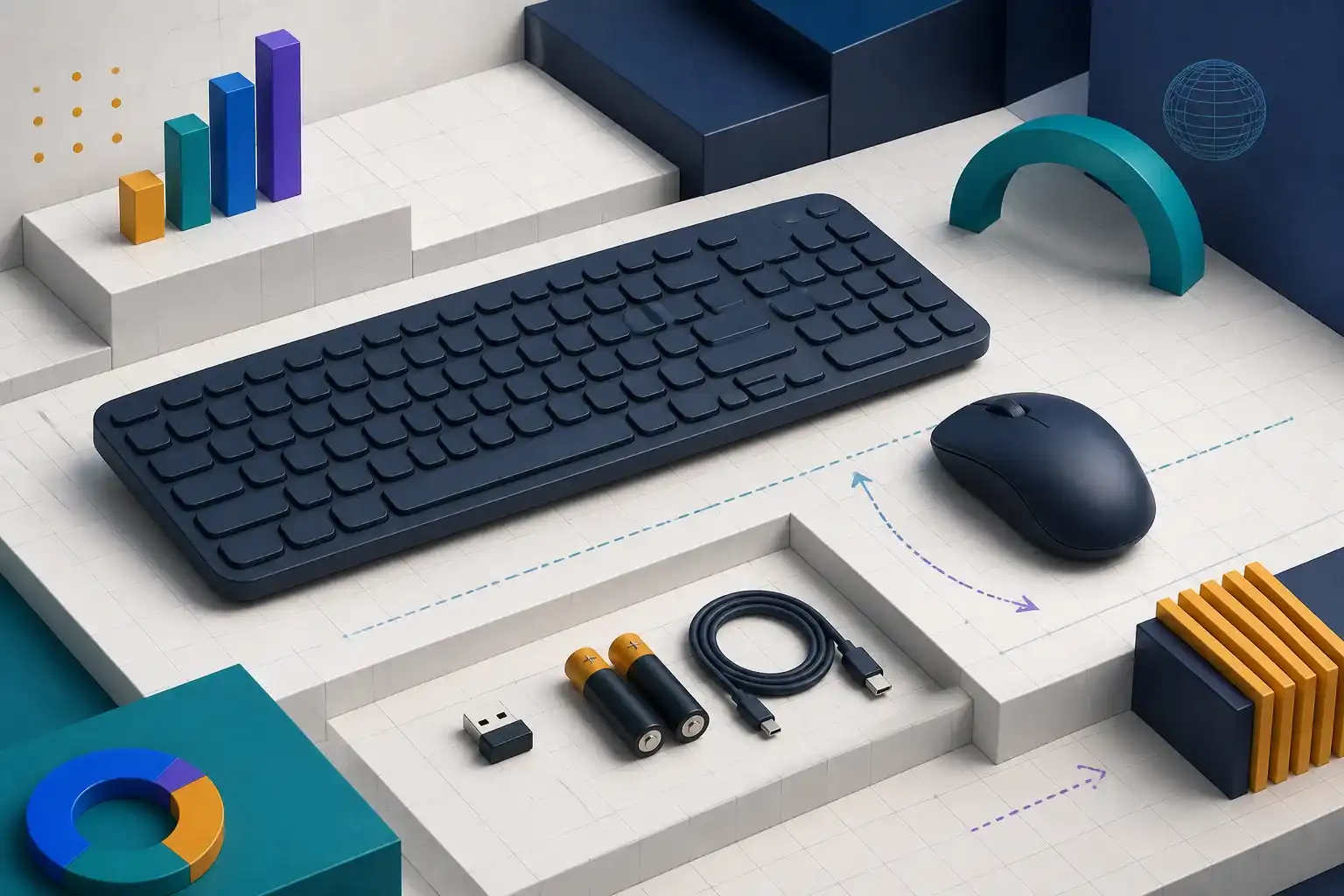
The MK250 combines a compact keyboard with a full number pad and Logitech’s M196 Bluetooth mouse. Logitech positions it as an affordable, direct Bluetooth setup for Windows, macOS, and ChromeOS computers.
That makes it different from the familiar MK270, which uses a dedicated 2.4 GHz USB receiver. The MK250 frees a USB port but depends on the computer having compatible Bluetooth.
If one half of the combo will not connect, use our MK250 pairing and connection fixes before replacing both devices.
Logitech MK250 key specifications
| Specification | Published detail |
|---|---|
| Connection | Bluetooth Low Energy |
| Wireless range | Up to 10 m, environment dependent |
| Keyboard layout | Compact with number pad |
| Keyboard weight | 380 g with batteries |
| Mouse | Logitech M196 |
| Mouse sensor | 1000 DPI optical tracking |
| Mouse weight | 76 g with battery |
| Battery estimate | Up to 12 months for keyboard and mouse |
| Supported systems | Windows, macOS, and ChromeOS |
| Warranty | Two-year limited hardware warranty |
Battery life and wireless range are estimates, not guarantees. Usage, batteries, radio interference, power settings, and environment can change the result.
Bluetooth setup is the main buying reason
The MK250 pairs directly over Bluetooth Low Energy. That is useful on thin laptops with few ports and on desktops where the user wants to avoid managing another small receiver.
Before buying, confirm the computer has Bluetooth and that workplace policies allow Bluetooth peripherals. Some managed desktops disable Bluetooth, while older machines may have unreliable adapters. A receiver-based combo can be easier in those situations.
Direct Bluetooth also does not automatically mean multi-device switching. Logitech does not position the MK250 as an Easy-Switch keyboard for moving among several computers.
Keyboard layout and desk fit
The keyboard is compact but retains a number pad. That can appeal to spreadsheet and accounting users who want a smaller footprint without losing numeric entry.
Compact layouts can reposition navigation keys and reduce the spacing users expect from a full-size board. Review the current layout image carefully if Home, End, Page Up, Page Down, or dedicated media controls matter to your workflow.
Logitech highlights a spill-resistant design, but resistance is not waterproofing. Liquids should still be kept away, and any spill should be handled according to Logitech’s care instructions.
Our mechanical versus low-profile keyboard guide explains how key height, travel, sound, and layout affect long office sessions.
Typing experience cannot be proven from specifications
The MK250 uses a low-profile membrane-style office keyboard rather than mechanical switches. Published dimensions can help with desk fit, but they cannot establish key feel, stabilizer sound, flex, or fatigue.
Buyers accustomed to laptop keyboards may adapt more quickly than users coming from a heavy mechanical board. Anyone with a strong preference for tactile feedback, remappable layers, or replaceable switches should consider a different class of product.
We do not assign a typing score without testing a production unit over sustained sessions.
The M196 mouse is intentionally basic
Logitech lists 1000 DPI optical tracking and a compact ambidextrous form. That is adequate on paper for documents, web browsing, and general pointer work.
It does not promise the sculpted support, extra buttons, adjustable DPI, or high polling rates found in productivity and gaming mice. Hand size and grip remain important; a small mouse can be convenient for travel but tiring for some users.
Use our wireless mouse size and grip guide to compare hand measurements and grip style before choosing a compact mouse.
Battery and maintenance
Logitech estimates up to 12 months for both keyboard and mouse. The devices use replaceable batteries, so there is no charging cable to manage, but keeping spare cells nearby is sensible.
The estimate will vary with daily hours, radio conditions, sleep behavior, and battery quality. If rechargeable peripherals are a requirement, the MK250 is the wrong design.
Who should buy the Logitech MK250?
The MK250 is most suitable for:
- A laptop or desktop with reliable Bluetooth.
- Everyday office, school, and home use.
- Buyers who need a number pad in a compact footprint.
- People who do not want to occupy a USB port.
- Simple single-computer workstations.
Look elsewhere if you need:
- Multi-device switching.
- Keyboard backlighting.
- Rechargeable batteries.
- An ergonomic or full-size mouse.
- Gaming-focused latency and controls.
- Mechanical switches or extensive customization.
MK250 versus MK270
The most important distinction is connection type. MK250 uses Bluetooth; MK270 uses a USB-A receiver. Choose based on the computer and environment rather than assuming the newer model number is automatically better.
MK250 is preferable when USB ports are scarce. MK270 can be simpler on a desktop without Bluetooth or where receiver-based input is preferred.
Frequently asked questions
Does the MK250 include a USB receiver?
No receiver is required for its Bluetooth connection. Confirm that your computer supports compatible Bluetooth.
Is the MK250 keyboard backlit?
Logitech does not list backlighting.
Can it pair with multiple devices?
It is not advertised as a multi-device switching combo. Buyers who need rapid device switching should choose a model that explicitly supports it.
Is the MK250 good for gaming?
It can handle casual use, but its basic Bluetooth design, 1000 DPI mouse, and office layout are not gaming-focused.
Final verdict
The Logitech MK250 solves a simple problem cleanly: add a compact keyboard, number pad, and mouse without using a USB receiver. It is appealing for uncluttered home desks and port-limited laptops.
Its basic feature set is also the reason to pause. If mouse comfort, backlighting, multi-device switching, or rechargeable power matters, compare higher-tier options before ordering.
Compare related Amazon listings
These links may represent another color, storage capacity, hardware configuration, bundle, or seller. Confirm the model, ASIN, specifications, warranty, and return terms on the live listing.
- Rose Logitech MK250 configurationASIN B0F37L2DRCView this configuration on Amazon(paid link)
As an Amazon Associate I earn from qualifying purchases. These links may earn PickScoreLab a commission at no additional cost to you.
Check the Logitech MK250 Bluetooth Combo listing
Confirm the model and ASIN (B0F36RKWDH), current specifications, color, seller, and return terms before ordering. Amazon prices and availability can change.
Check the Logitech MK250 on Amazon(paid link)As an Amazon Associate I earn from qualifying purchases. This link may earn PickScoreLab a commission at no additional cost to you.
Sources and further reading
Product specifications, firmware behavior, price, and availability can change. Verify the current manufacturer documentation and seller listing before purchasing.