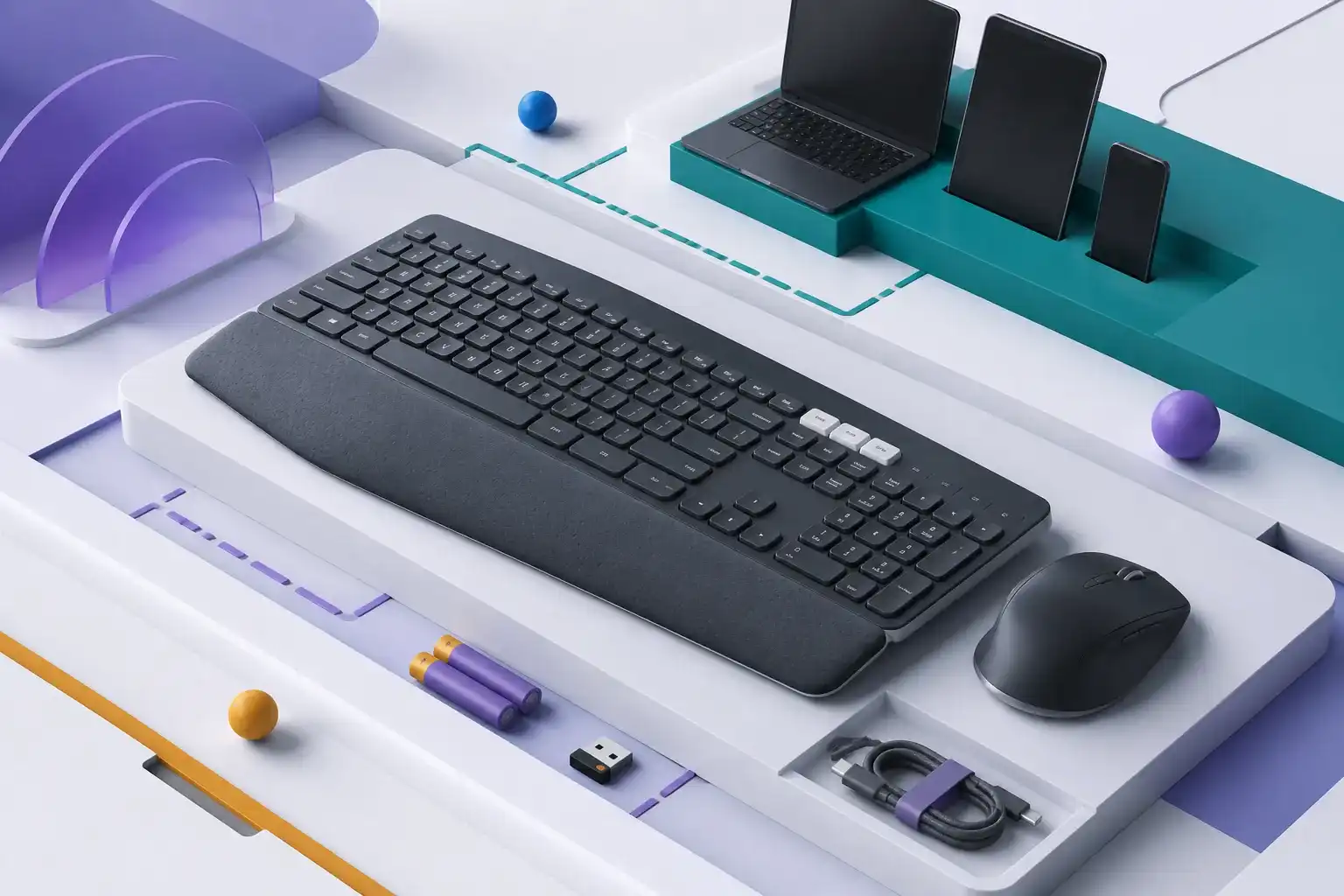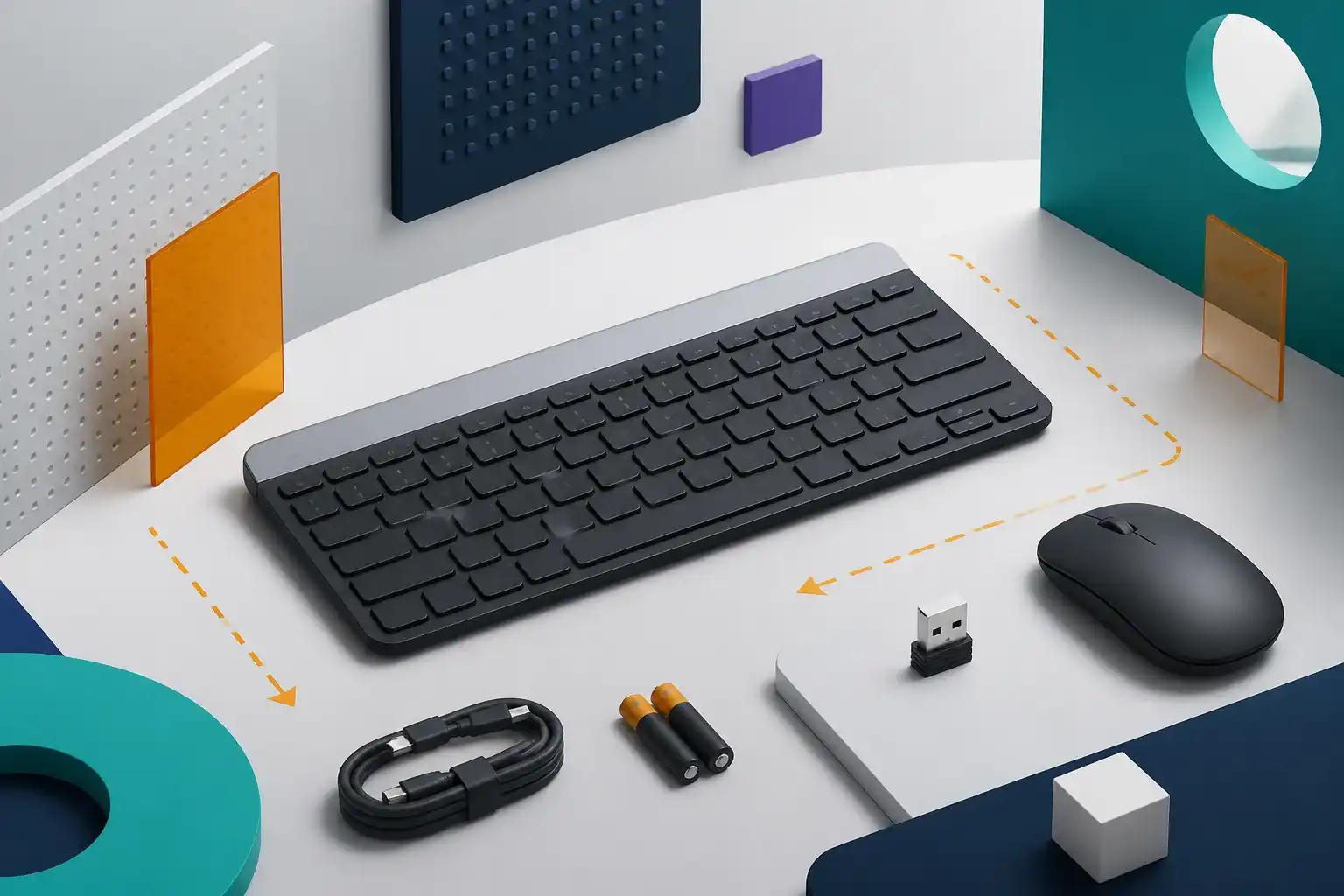
Logitech MK270 Wireless Combo: strengths and limitations
Reasons to consider it
- Single USB receiver handles keyboard and mouse
- Familiar full-size keyboard with number pad
- Published 36-month keyboard and 12-month mouse estimates
- Straightforward setup for compatible Windows and ChromeOS systems
Reasons to skip it
- Requires an available USB-A port
- No Bluetooth or multi-device switching
- Compact mouse may not support larger hands
- Not designed for competitive gaming or extensive customization
As an Amazon Associate I earn from qualifying purchases. This link may earn PickScoreLab a commission at no additional cost to you.
Short answer: The Logitech MK270 remains a straightforward budget combo for a fixed PC: connect the small USB receiver, add the batteries, and use a familiar full-size keyboard and compact mouse. It is less suitable for port-limited laptops, multi-device work, ergonomic needs, or gaming-focused controls.
MK270 has stayed relevant because it asks very little of the computer. It uses a dedicated 2.4 GHz receiver rather than Bluetooth, which can simplify setup on desktops and managed systems.
That simplicity comes with a permanent cost: one USB-A port. Buyers should also assess the bundled mouse separately instead of assuming every part of a combo will fit equally well.
Before replacing a lost receiver, identify the hardware revision with our MK270 compatibility and setup guide. For delayed or missing input, follow the MK270 receiver-lag checklist.
Logitech MK270 key specifications
| Specification | Published detail |
|---|---|
| Connection | Logitech 2.4 GHz USB receiver |
| Keyboard layout | Full size with number pad |
| Keyboard battery estimate | Up to 36 months |
| Mouse battery estimate | Up to 12 months |
| Mouse sensor | 1000 DPI optical |
| Wireless range | Up to 10 m, environment dependent |
| Keyboard spill resistance | Tested under limited conditions |
| Bluetooth | No |
| Backlighting | No |
| Intended systems | Windows and ChromeOS configurations |
Battery and range figures are estimates. Usage, batteries, radio interference, computer placement, and environment can alter the result.
Setup is simple when USB-A is available
The receiver handles both included devices. That avoids separate pairing flows and can be useful on a desktop without Bluetooth.
Keep the receiver in a direct, unobstructed port when possible. Metal desks, the rear of a tower, USB 3.x interference, and distance can affect wireless behavior. A short USB extension can sometimes improve receiver placement, but it is not included by default.
The receiver is small and easy to lose. Store it consistently if the combo travels.
Keyboard layout favors familiarity
MK270 uses a conventional full-size layout with a number pad and dedicated function/media shortcuts. This suits spreadsheets, data entry, and users who do not want a compact arrangement.
The trade-off is width. The number pad pushes the mouse farther to the side, which can increase shoulder reach on a narrow desk. Measure the keyboard area and mouse space together.
This is a membrane office keyboard, not a mechanical or low-profile enthusiast board. Specifications cannot establish how the keys feel or sound. See our keyboard comparison guide for layout and fatigue considerations.
The bundled mouse is the likely compromise
Logitech lists a compact ambidextrous mouse with 1000 DPI optical tracking. That is adequate for documents, email, and general browsing on common surfaces.
Hand size and grip can make a compact mouse uncomfortable over long sessions. It also lacks the thumb buttons, horizontal scrolling, shape options, and adjustable sensitivity found on productivity mice.
The combo does not prevent replacing the mouse later, but that changes the total value calculation. Use our mouse size and grip guide before assuming the bundled shape will work all day.
Battery life and maintenance
Logitech estimates up to 36 months for the keyboard and 12 months for the mouse. Power switches and sleep behavior help extend life, but actual results vary.
Replaceable batteries avoid charging interruptions and will appeal to fixed workstations. Buyers who prefer USB-C charging or want to reduce disposable battery use should select rechargeable peripherals instead.
Spill resistance has limits
Logitech describes limited spill testing for the keyboard. That does not make it waterproof, washable, or protected from every liquid.
Keep drinks away from the electronics. If a spill occurs, disconnect power, follow the manufacturer’s care instructions, and allow proper drying before reuse.
Is the MK270 good for gaming?
It can operate in casual and slower-paced games, but it is not a gaming combo. Logitech does not position it around high polling rates, mechanical switches, N-key rollover, macro programming, adjustable DPI, or a low-latency gaming receiver.
Competitive shooters, rhythm games, and players who need simultaneous key combinations should use equipment with explicit gaming specifications. For general office work with occasional casual play, MK270 may be adequate.
MK270 versus MK250
Logitech MK250 uses Bluetooth and a more compact keyboard while retaining a number pad. MK270 uses a USB receiver and a more conventional full-size arrangement.
Choose MK250 when saving a USB port matters and the computer has reliable Bluetooth. Choose MK270 when receiver-based simplicity and familiar spacing are more important.
Who should buy the MK270?
The combo makes sense for:
- A fixed Windows or ChromeOS desktop.
- Basic office, school, and household work.
- Users who need a number pad.
- Computers with a free USB-A port.
- Buyers who prefer replaceable batteries.
Consider another option if:
- Your laptop only has USB-C ports.
- You switch frequently between devices.
- You need keyboard backlighting.
- Mouse comfort is a high priority.
- You want mechanical keys or gaming controls.
Frequently asked questions
Does the MK270 use Bluetooth?
No. It uses the included Logitech 2.4 GHz USB receiver.
Can the keyboard and mouse use separate computers?
The supplied receiver is intended to operate the combo together. It is not a multi-device switching system.
Is the keyboard backlit?
No backlighting is listed.
Is it compatible with macOS?
Logitech’s regional product and business materials focus on Windows and ChromeOS configurations. Mac users should verify the exact SKU, key legends, shortcuts, and current compatibility before purchase.
Final verdict
The MK270 is best understood as inexpensive infrastructure rather than an upgrade experience. It can equip a desktop with familiar input devices quickly and with little setup.
The USB-A requirement and basic mouse are the main limitations. If those are acceptable, the combo remains practical; if not, buying keyboard and mouse separately may produce a better long-term desk.
Compare related Amazon listings
These links may represent another color, storage capacity, hardware configuration, bundle, or seller. Confirm the model, ASIN, specifications, warranty, and return terms on the live listing.
- White Logitech MK270 configurationASIN B0DHGGRYZ9View this configuration on Amazon(paid link)
As an Amazon Associate I earn from qualifying purchases. These links may earn PickScoreLab a commission at no additional cost to you.
Check the Logitech MK270 Wireless Combo listing
Confirm the model and ASIN (B079JLY5M5), current specifications, color, seller, and return terms before ordering. Amazon prices and availability can change.
Check the Logitech MK270 on Amazon(paid link)As an Amazon Associate I earn from qualifying purchases. This link may earn PickScoreLab a commission at no additional cost to you.
Sources and further reading
Product specifications, included accessories, price, and availability can change. Verify the current manufacturer documentation and seller listing before purchasing.