As an Amazon Associate I earn from qualifying purchases. This link may earn PickScoreLab a commission at no additional cost to you.
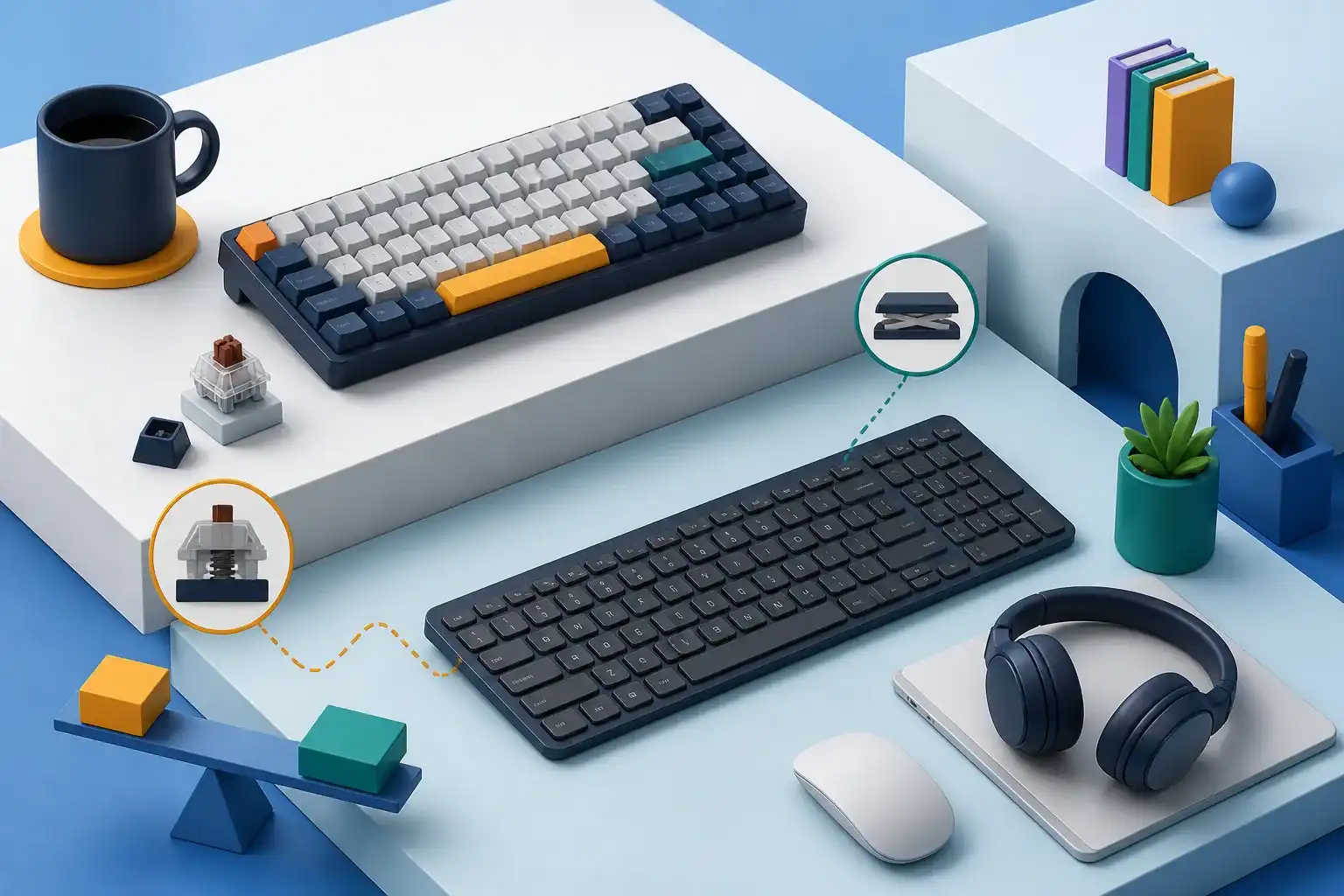
Mechanical and low-profile keyboards are not opposites in a strict technical sense: low-profile mechanical switches exist, and many slim keyboards use scissor mechanisms. The practical comparison is between a taller, longer-travel keyboard experience and a thinner, shorter-travel one.
For office use, layout, height, sound, key feel, software restrictions, and mouse placement usually matter more than switch branding.
Begin with workstation height
OSHA recommends positioning the keyboard so shoulders remain relaxed, elbows stay near the body, and wrists remain in a neutral alignment with the forearms. A taller keyboard can raise the hands and increase wrist extension when the desk or chair cannot compensate.
A palm support may reduce contact with a sharp desk edge and fill the height in front of a tall board, but it should support the palms during pauses rather than force pressure on the wrists while typing. A thin keyboard is not automatically ergonomic; it can still sit too high, too far away, or at an unsuitable tilt.
Before choosing a mechanism, check whether the chair, desk, or keyboard tray can place the keys at a comfortable height.
Key travel and bottoming out
Longer-travel mechanical switches move farther before the key reaches the bottom. The actuation point may occur before bottom-out, allowing a practiced typist to avoid striking the base on every press. Shorter-travel laptop-style keys require less vertical movement but reach the bottom sooner.
Neither guarantees less fatigue. Typing force, technique, key shape, spring behavior, posture, and familiarity interact. A person who types forcefully may bottom out either design. A person accustomed to laptop keys may initially make errors on a tall board, while a mechanical-keyboard user may dislike a shallow stop.
Treat switch names and force charts as starting information, not a substitute for sustained typing.
Feedback: tactile, linear, and clicky
Mechanical categories commonly include:
- linear: smooth travel without a designed tactile bump;
- tactile: a bump intended to indicate actuation;
- clicky: tactile and audible feedback.
Actual feel differs by switch model, keycap, case, stabilizer, and manufacturing variation. Low-profile and scissor keyboards can also provide distinct tactile feedback.
For shared rooms and calls, sound is a functional requirement. Clicky switches are intentionally audible. Tactile or linear switches can still be loud when keys bottom out or return. Product terms such as “silent” are relative; look for recordings made at a stated distance and consider desk resonance.
Layout affects the mouse
A full-size keyboard includes a number pad and pushes a right-handed mouse farther from the body. A tenkeyless layout removes the number pad. Smaller layouts may remove or layer navigation and function keys.
Choose by actual task frequency:
| Work pattern | Layout question |
|---|---|
| Frequent numeric entry | Is an integrated or separate number pad worth the width? |
| Heavy spreadsheet navigation | Are dedicated arrows, Home, End, Page Up, and Page Down important? |
| Writing and general office work | Would tenkeyless reduce mouse reach without hiding needed keys? |
| Travel or very narrow desk | Can you tolerate layers and smaller key spacing? |
A separate number pad can sit on the left or be moved away when not needed. Compactness has a learning cost when important commands move behind a function layer.
Mechanical advantages and costs
Many mechanical keyboards offer:
- replaceable keycaps;
- a wide choice of switch feel;
- models with replaceable switches;
- durable construction;
- configurable firmware or shortcuts.
Those features can improve serviceability, but verify what is actually replaceable. A soldered-switch board is not hot-swappable. A proprietary low-profile switch may have few replacements. Software can be unavailable on a managed work computer.
Mechanical boards are often heavier and taller. Weight can keep a board stable on a permanent desk but works against travel. A detachable standard cable is easier to replace than a fixed cable.
Low-profile advantages and costs
Slim boards can feel familiar to laptop users, reduce the height difference at the front edge, and fit into a bag. Shorter travel may feel quick for light typists.
Tradeoffs can include limited keycap or switch replacement, a less repairable integrated design, and smaller batteries in wireless models. Extremely thin construction may flex, while tightly packed layouts can create accidental presses.
Do not assume every low-profile board is quiet or every mechanical board is repairable. Verify the exact design.
Tilt, feet, and neutral wrists
Rear feet tilt the keyboard toward the user. This can make legends easier to see, but it also raises the back row and may increase wrist extension. OSHA notes that keyboard feet should not be used when they increase wrist bending.
Start flat or with a slight negative or neutral relationship to the forearms, then adjust chair, tray, and board position. Avoid choosing a steep case because it looks substantial if the workstation cannot support its height.
Wired and wireless behavior
A wired keyboard avoids battery and pairing concerns. Wireless can reduce desk cable clutter and switch among computers.
Check:
- Bluetooth versus dedicated receiver;
- number of paired devices;
- switching method and delay;
- behavior after sleep;
- whether it works while charging;
- battery replaceability;
- receiver storage and replacement;
- encryption or security documentation for managed environments.
A backlight can shorten battery life substantially. Decide whether it is needed in the actual room lighting.
Software, shortcuts, and privacy
Configuration software may remap keys, create macros, or update firmware. On an employer-managed device, installation may be blocked. Prefer a board whose required basic layout works without proprietary software.
Cloud accounts should not be required for simple local key changes unless that tradeoff is acceptable. For sensitive environments, review the manufacturer’s update and privacy practices.
Choose a taller mechanical-style board if…
- You value a specific switch feel or deeper travel.
- Replaceable switches or keycaps matter.
- The desk setup can accommodate the height.
- Weight and sound fit the room.
- You want firmware or layout customization.
Choose a slim low-profile board if…
- Laptop-like travel is familiar and preferred.
- Bag space and weight matter.
- A lower front edge fits the workstation.
- Simple device switching is a priority.
- You accept potentially limited repair options.
Final checklist
- Keyboard height supports relaxed shoulders and neutral wrists.
- Layout includes frequently used keys without unnecessary width.
- Mouse remains close beside the keyboard.
- Sound is appropriate for calls and shared rooms.
- Key travel and force fit normal typing technique.
- Required software can run on the work computer.
- Wireless switching, wake, and battery behavior are documented.
- Cable, keycaps, switches, or battery have an acceptable service path.
- Return terms allow a real typing trial.
The more useful comparison is not mechanical versus low-profile as a label. It is this height, layout, feel, sound, and service model versus the way your desk and hands actually work.
Compare office keyboard styles
Decide on height, layout, switch feel, sound, connection method, and platform support before comparing current keyboard listings.
Browse office keyboards on Amazon(paid link)As an Amazon Associate I earn from qualifying purchases. This link may earn PickScoreLab a commission at no additional cost to you.
Sources and further reading
Specifications and standards can change. Check the device maker’s current documentation before purchasing.