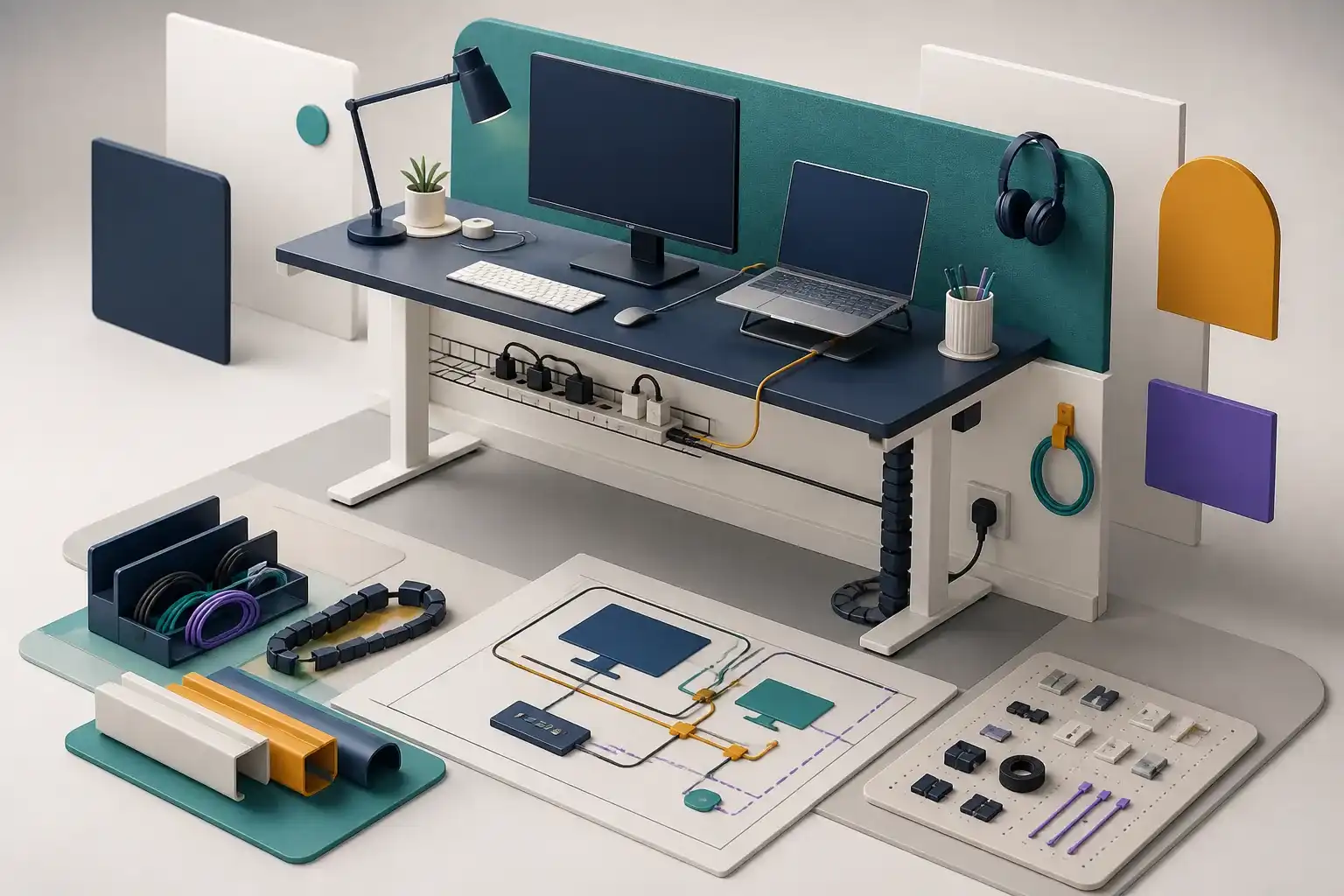
Cable Management for a Home Office: Plan the System
Plan home-office cable management around power safety, device movement, service loops, desk motion, hubs, labels, and easy maintenance.
Read the guideStart with compatibility and use case, then compare features. Every guide is written to remain useful without advertising or a product link.
Plan home-office cable management around power safety, device movement, service loops, desk motion, hubs, labels, and easy maintenance.
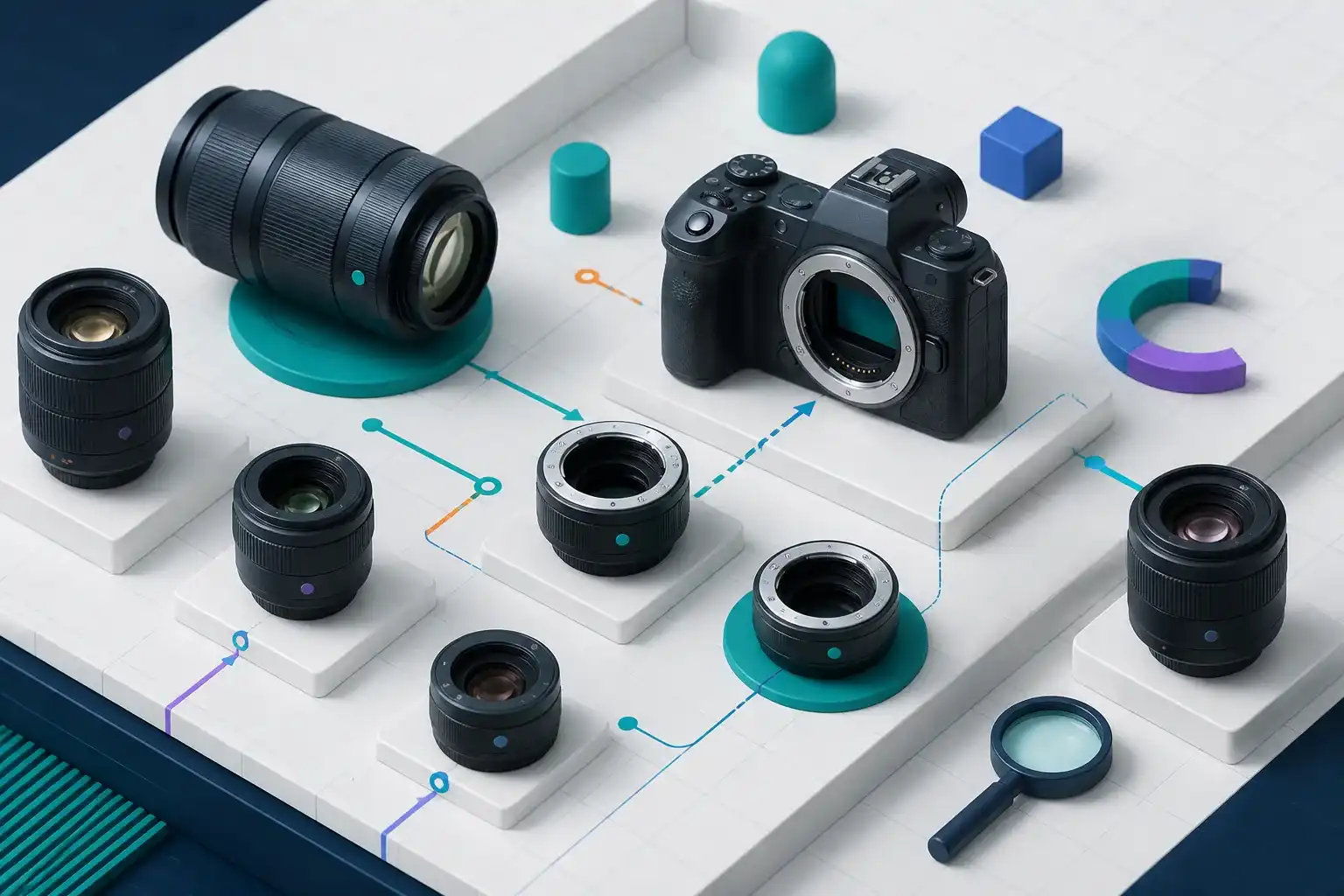
Read the guideCanon RF Lens Compatibility Guide explains Canon RF lens and camera compatibility, setup limits, compatibility, common marketing traps, and a practical.
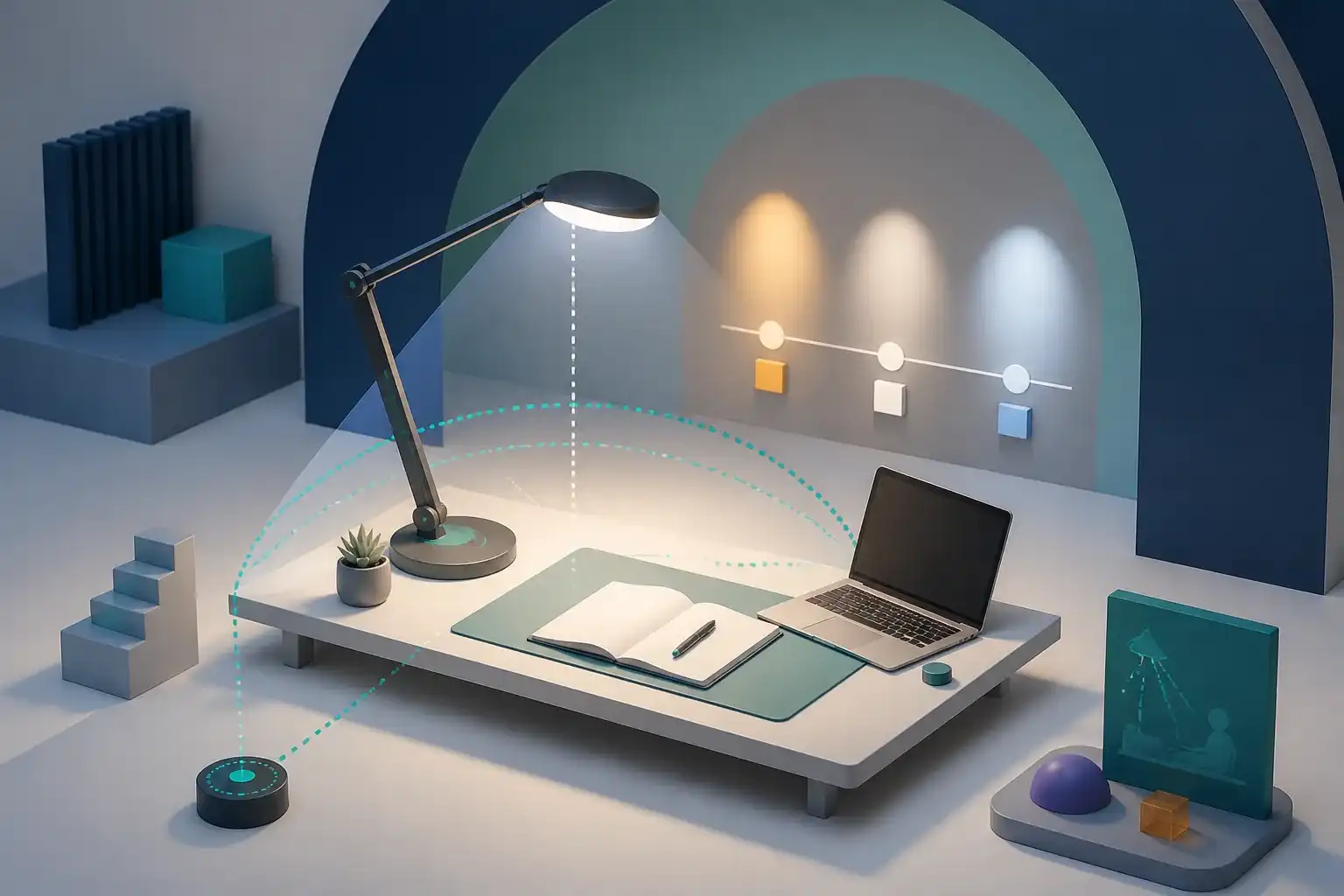
Read the guideChoose and place a desk lamp by task, glare control, brightness range, color temperature, diffusion, controls, and monitor reflections.
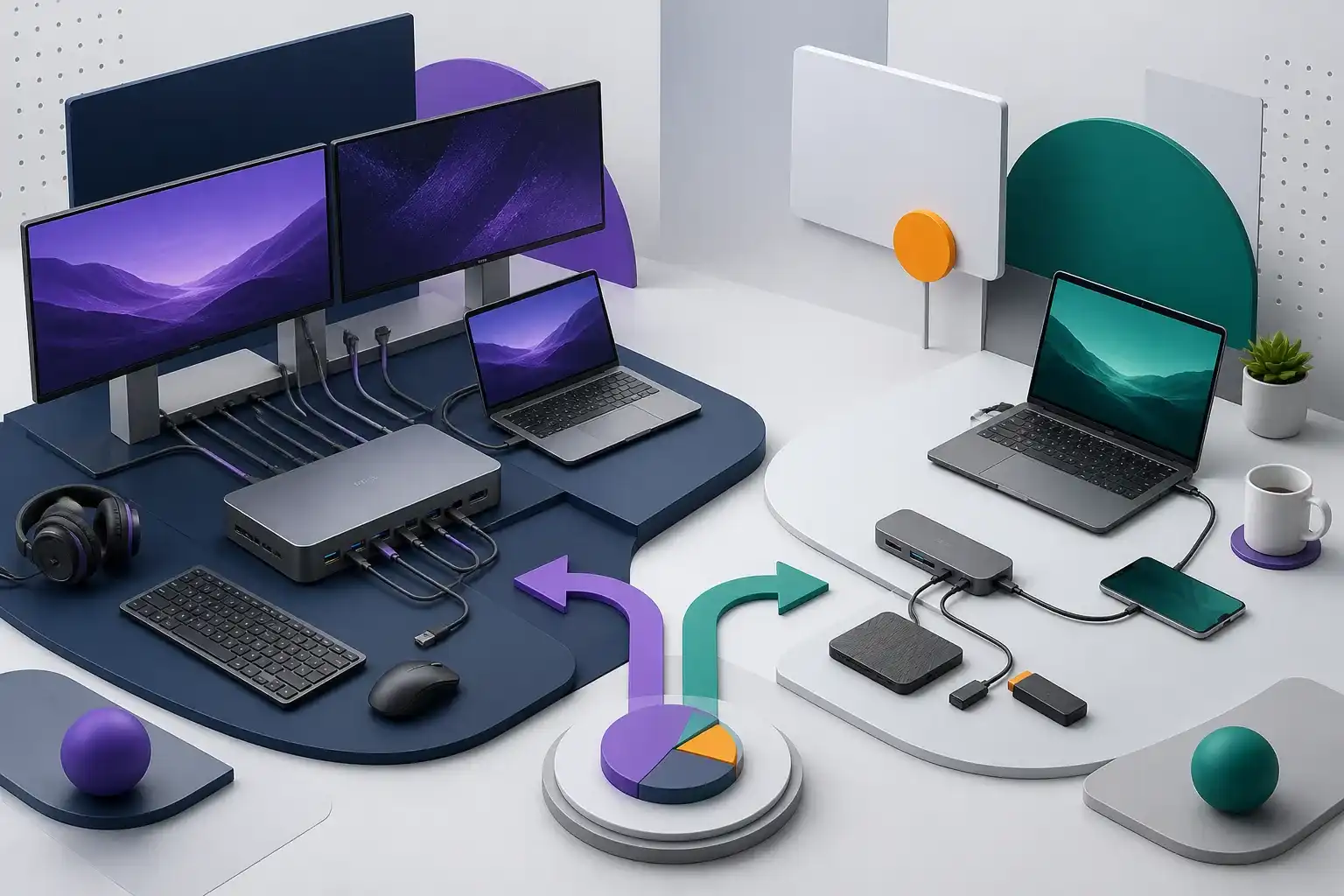
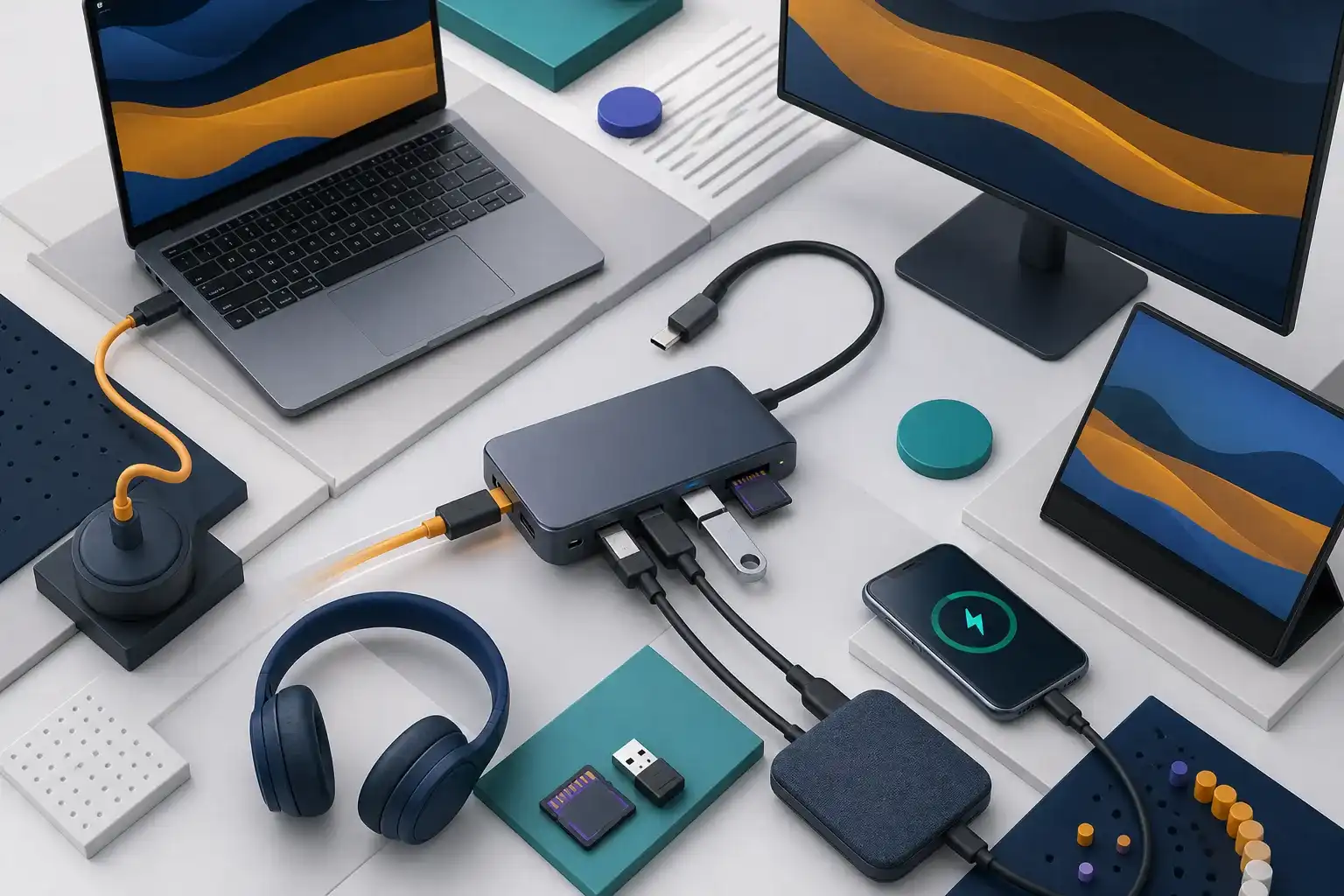
Read the guideCompare docking stations and USB-C hubs by charging, displays, bandwidth, desk permanence, software requirements, and total system cost.
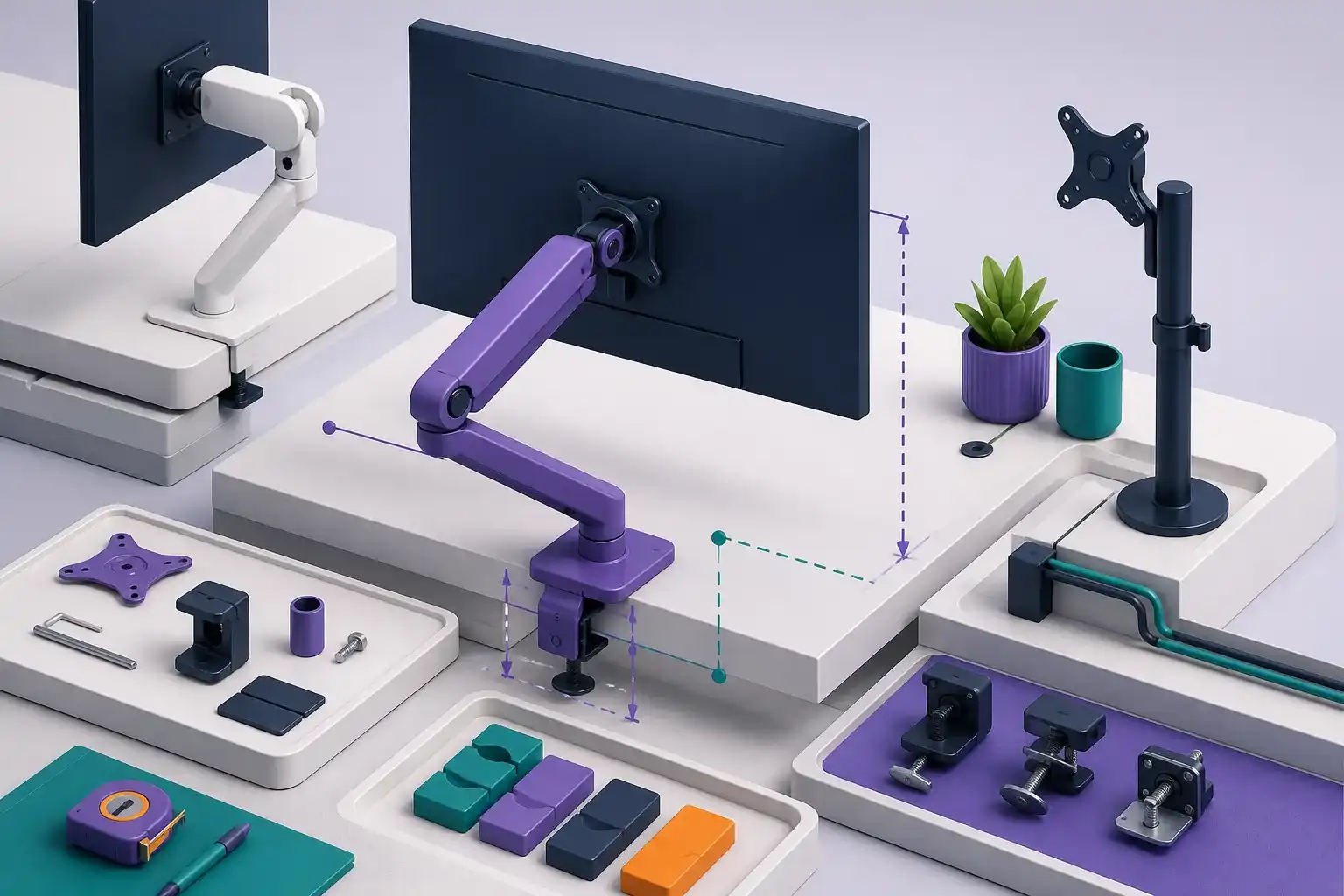
Read the guideCheck monitor weight, VESA pattern, desk thickness, clamp clearance, reach, motion, and cable routing before choosing a monitor arm.
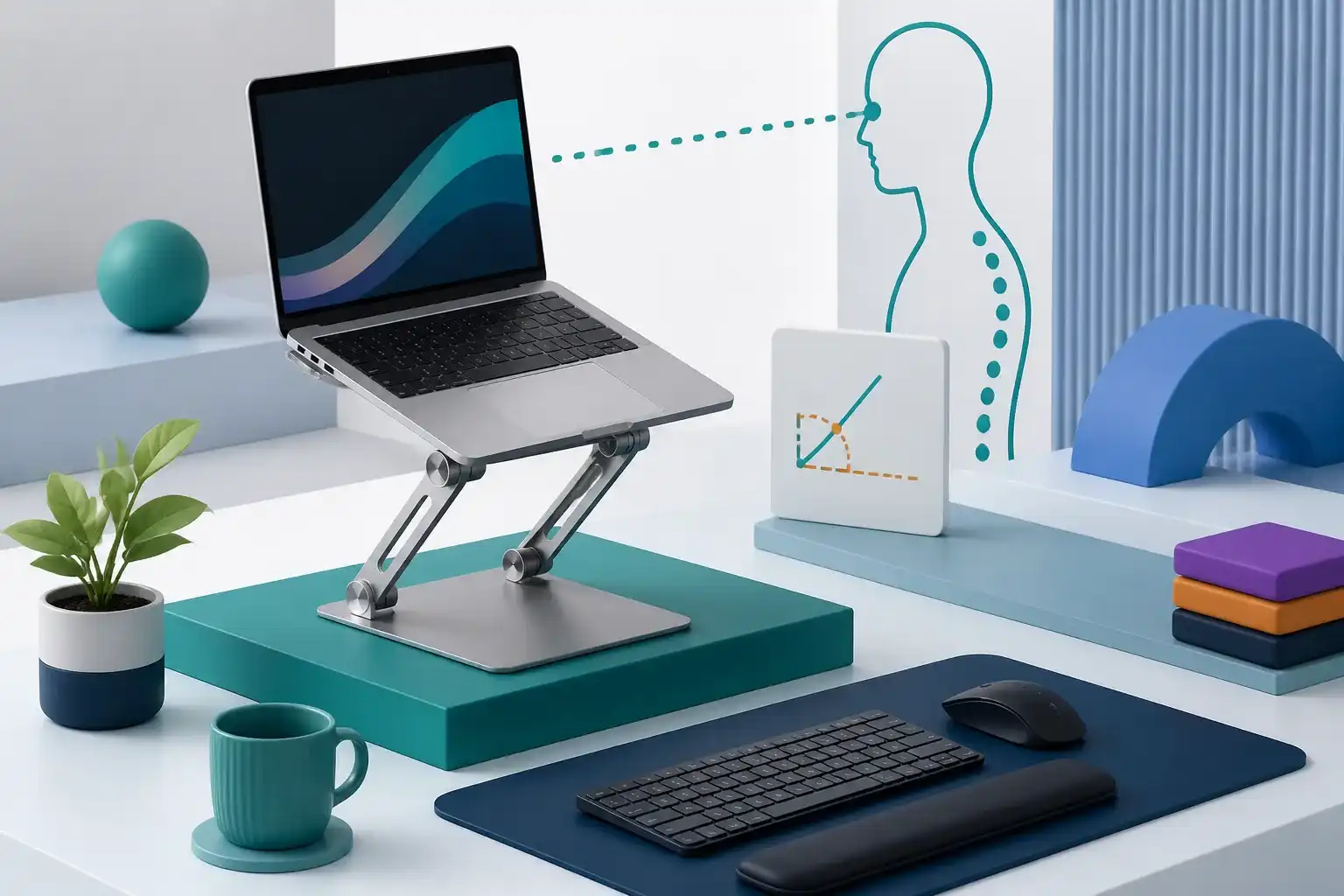
Read the guideUse a laptop stand with the right screen height, viewing distance, separate input devices, stability, ventilation, and desk geometry.
Read the guideFix Logitech MK250 keyboard or M196 mouse pairing problems with a device-by-device Bluetooth checklist covering power, pairing mode, saved entries, and isolation.
Read the guideSet up Logitech MK270 by identifying its hardware revision, receiver family, USB requirements, supported systems, batteries, layout, and replacement limits.
Read the guideDiagnose Logitech MK270 lag, missed keystrokes, repeats, or dropouts by checking batteries, receiver placement, USB 3.0 interference, ports, power, and hardware.
Read the guideCompare mechanical and low-profile keyboards by height, key travel, layout, sound, fatigue, repairability, wireless behavior, and desk fit.
Read the guideChoose a work headset by microphone position, call controls, connection path, comfort, battery behavior, sidetone, and software support.
Read the guideChoose a portable monitor by physical size, resolution, brightness, finish, stand, USB-C video support, power needs, and travel protection.
Read the guideProjector ANSI Lumens Buying Guide explains ANSI projector brightness, setup limits, compatibility, common marketing traps, and a practical checklist before.
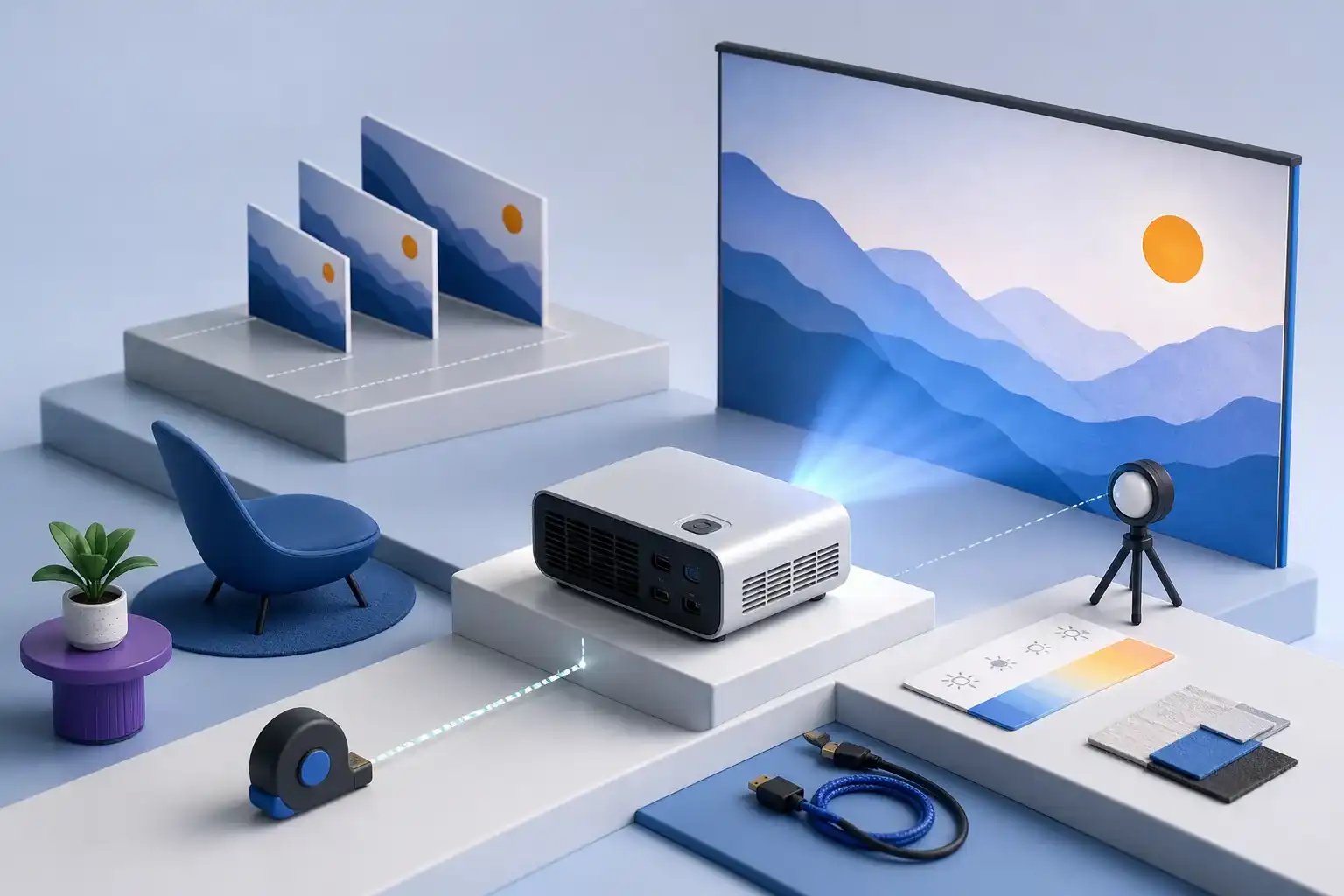
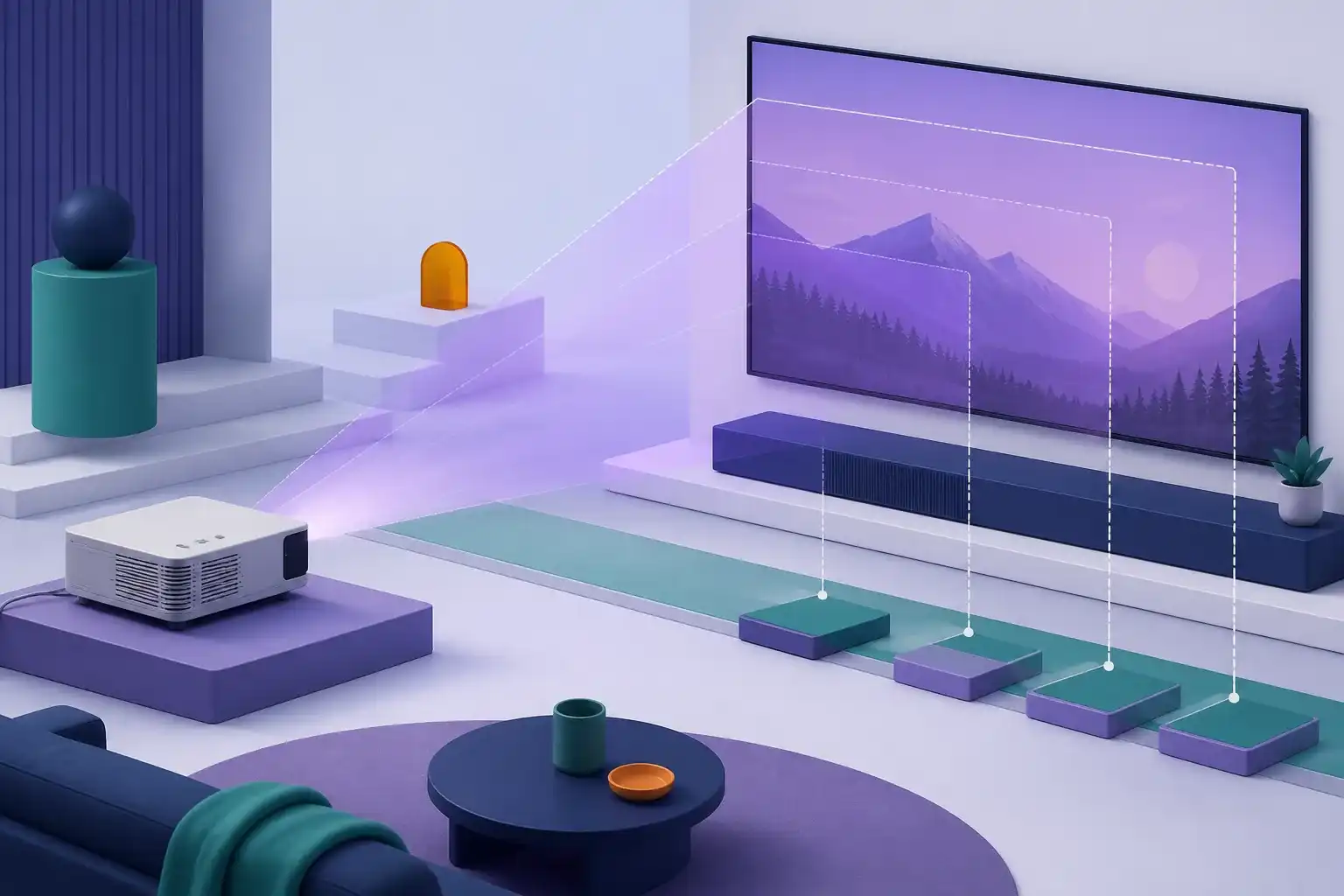
Read the guideProjector Throw Distance & Screen Size explains projector throw distance and screen size, setup limits, compatibility, common marketing traps, and a practical.
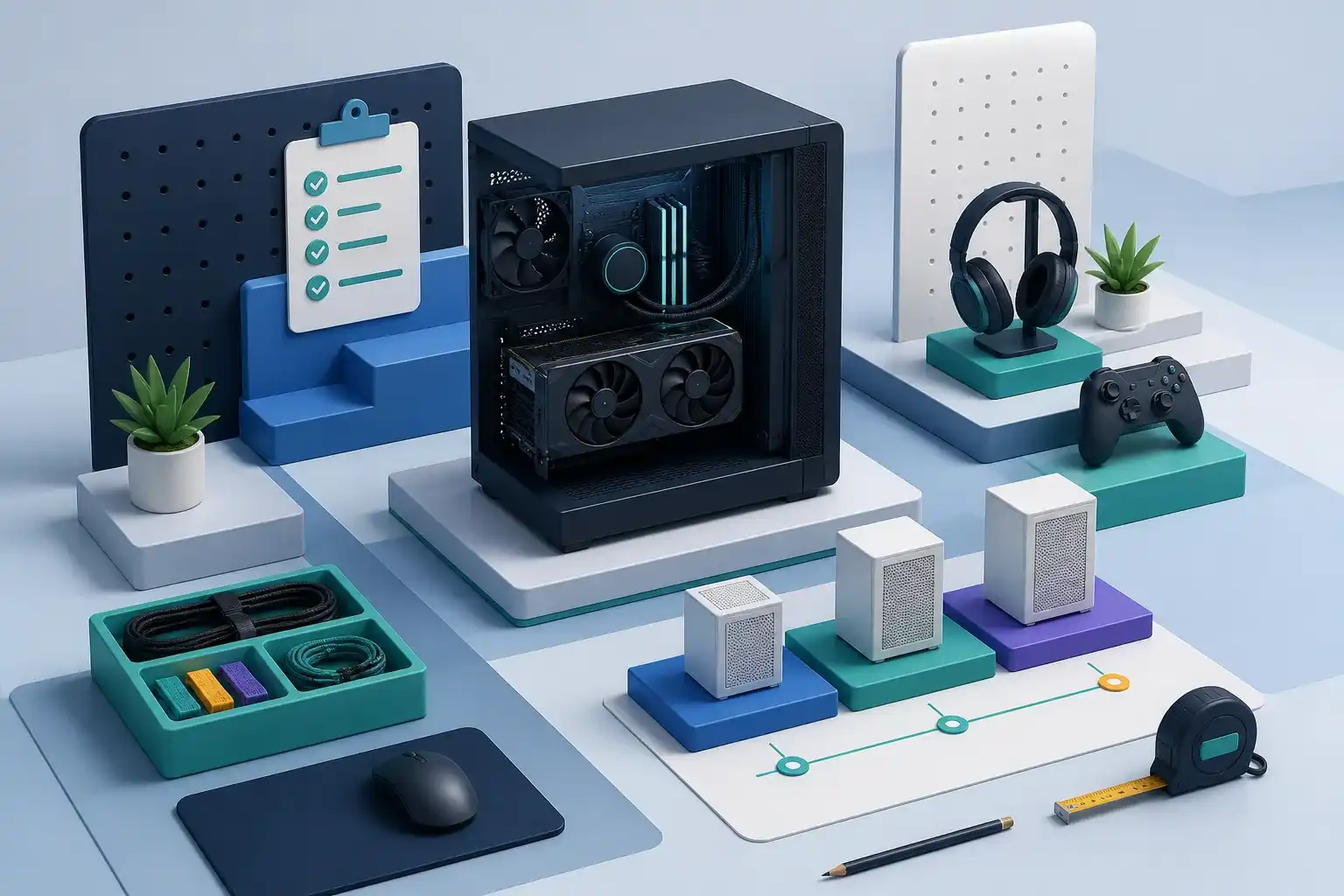
Read the guideRTX 5060/5060 Ti/5070 Prebuilt Guide explains RTX 5060, RTX 5060 Ti, and RTX 5070 prebuilt PCs, setup limits, compatibility, common marketing traps, and a.
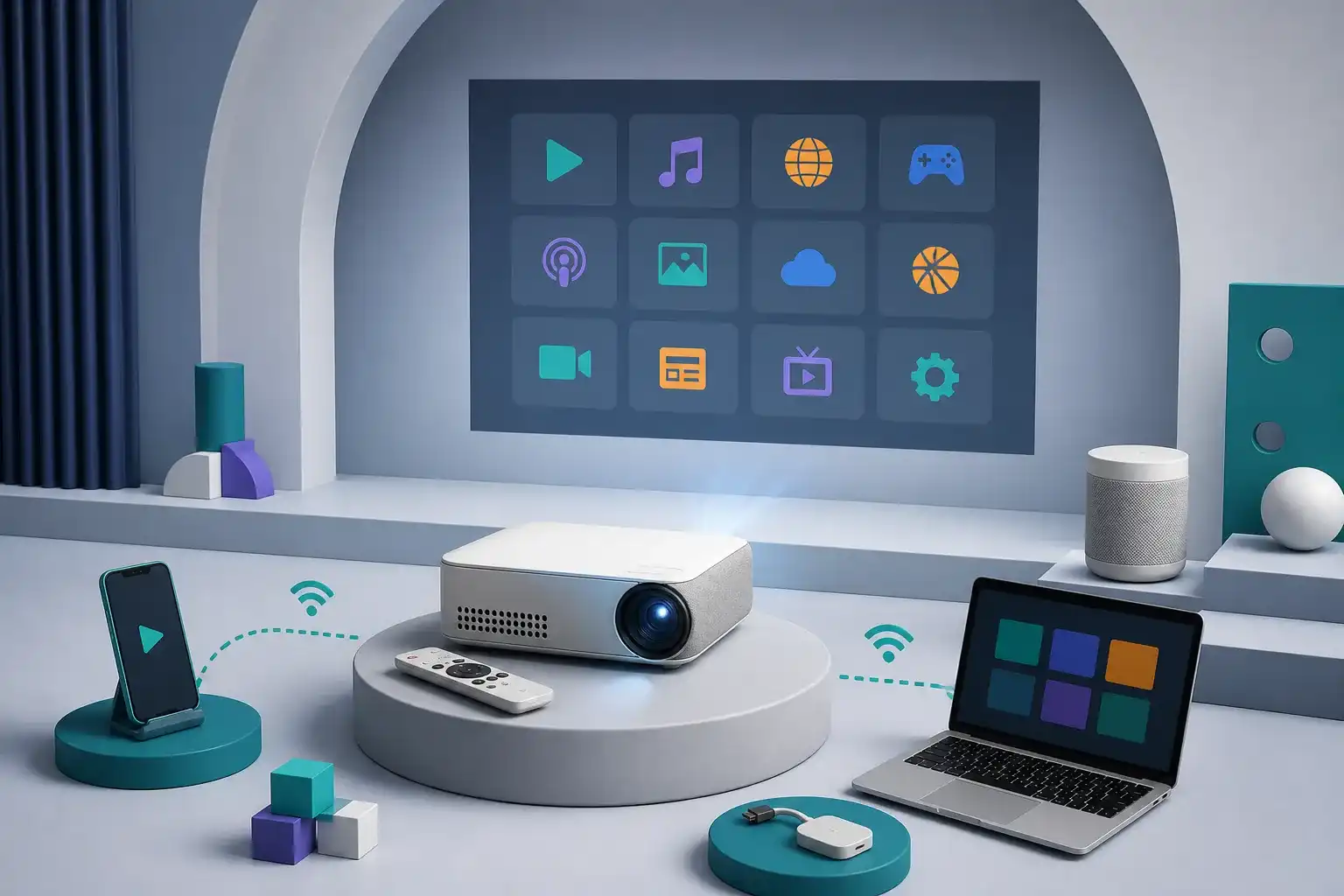
Read the guideSmart Projector App Compatibility Guide explains smart projector streaming app compatibility, setup limits, compatibility, common marketing traps, and a.
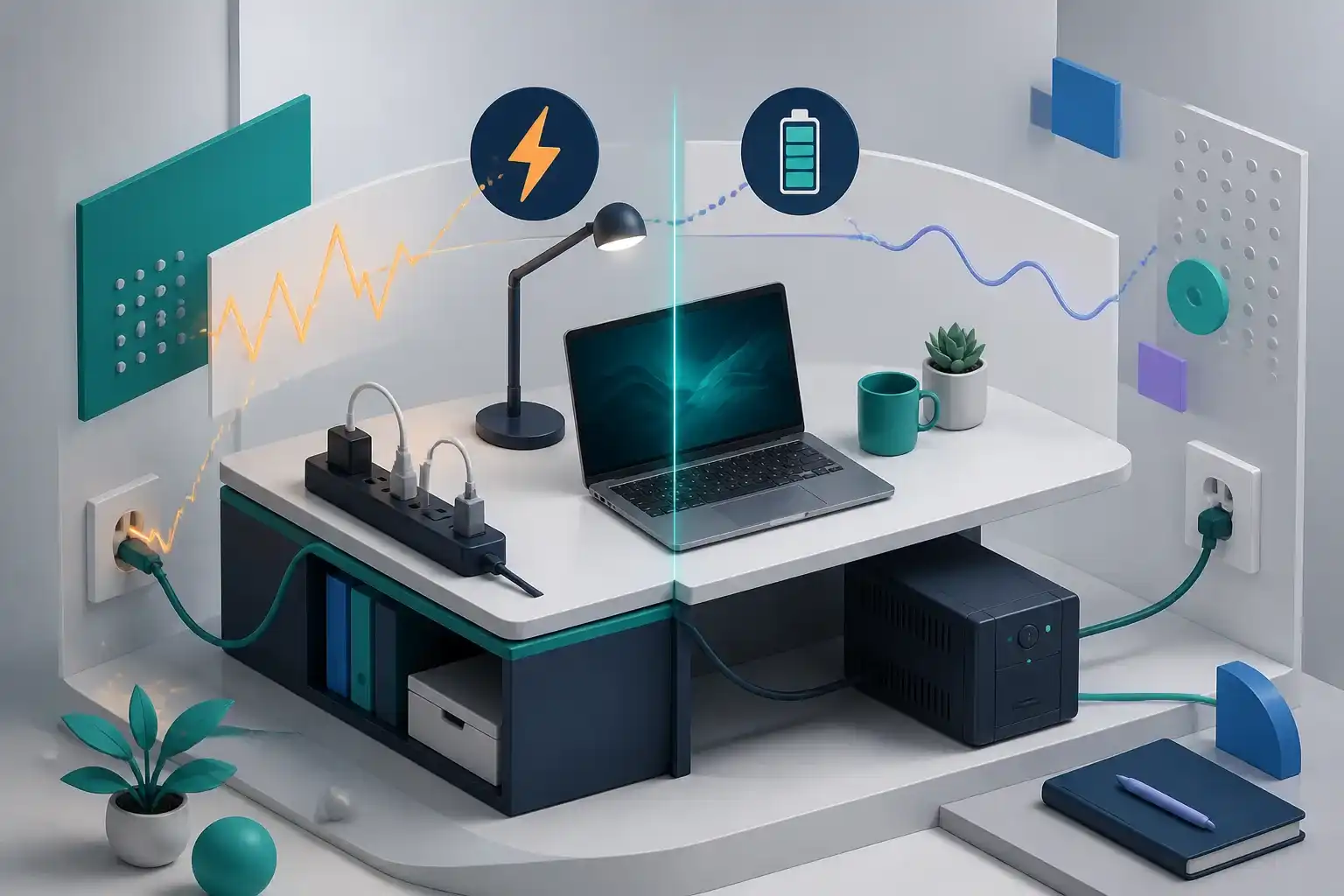
Read the guideUnderstand what a power strip, surge protector, and uninterruptible power supply do, then size connections and runtime without unsafe shortcuts.
Read the guideLearn how to match a USB-C hub to your laptop, monitor, charger, and peripherals without assuming every USB-C port has the same capabilities.
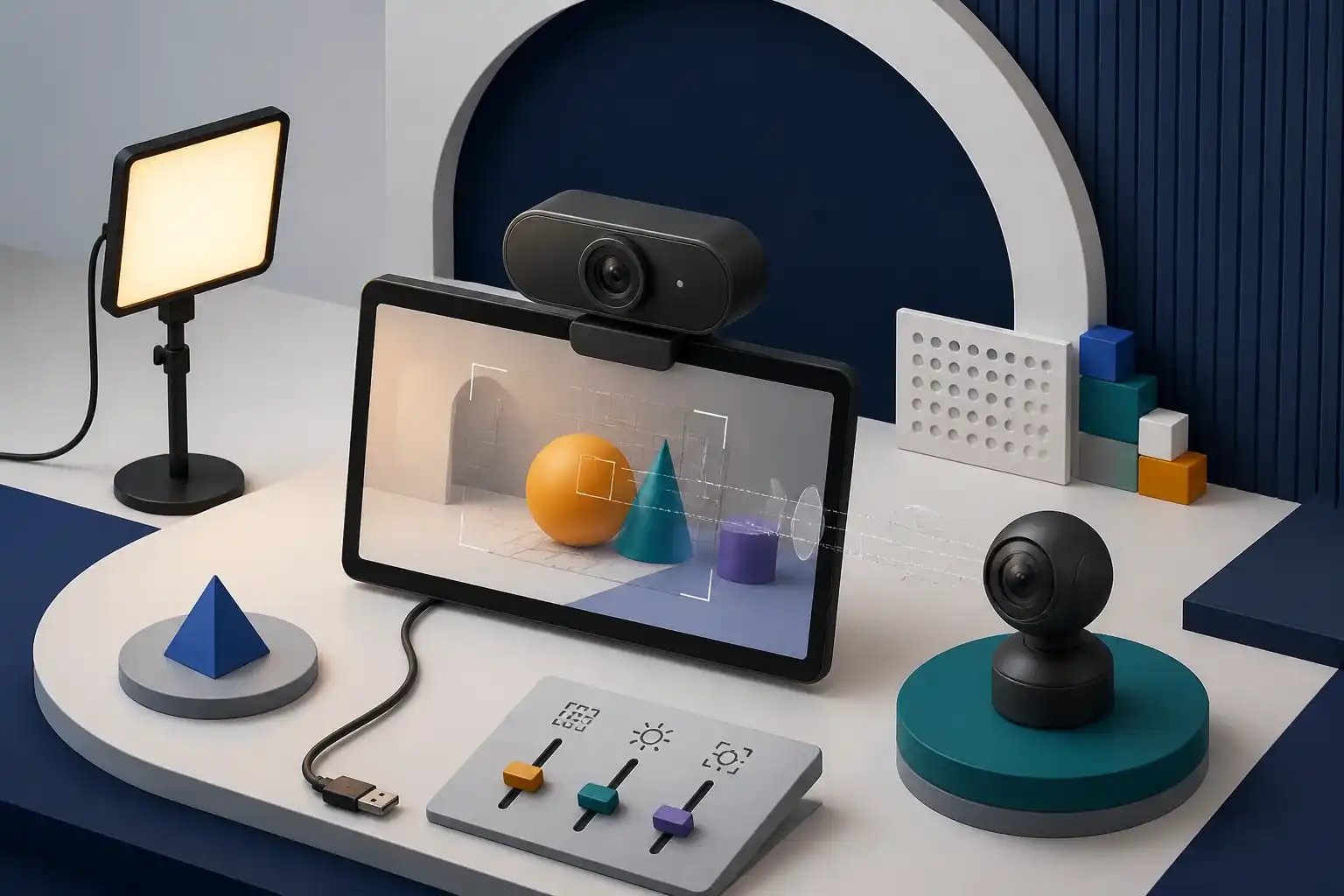
Read the guideChoose a work webcam by framing, lighting, focus behavior, mounting, privacy, microphone needs, and software support—not resolution alone.
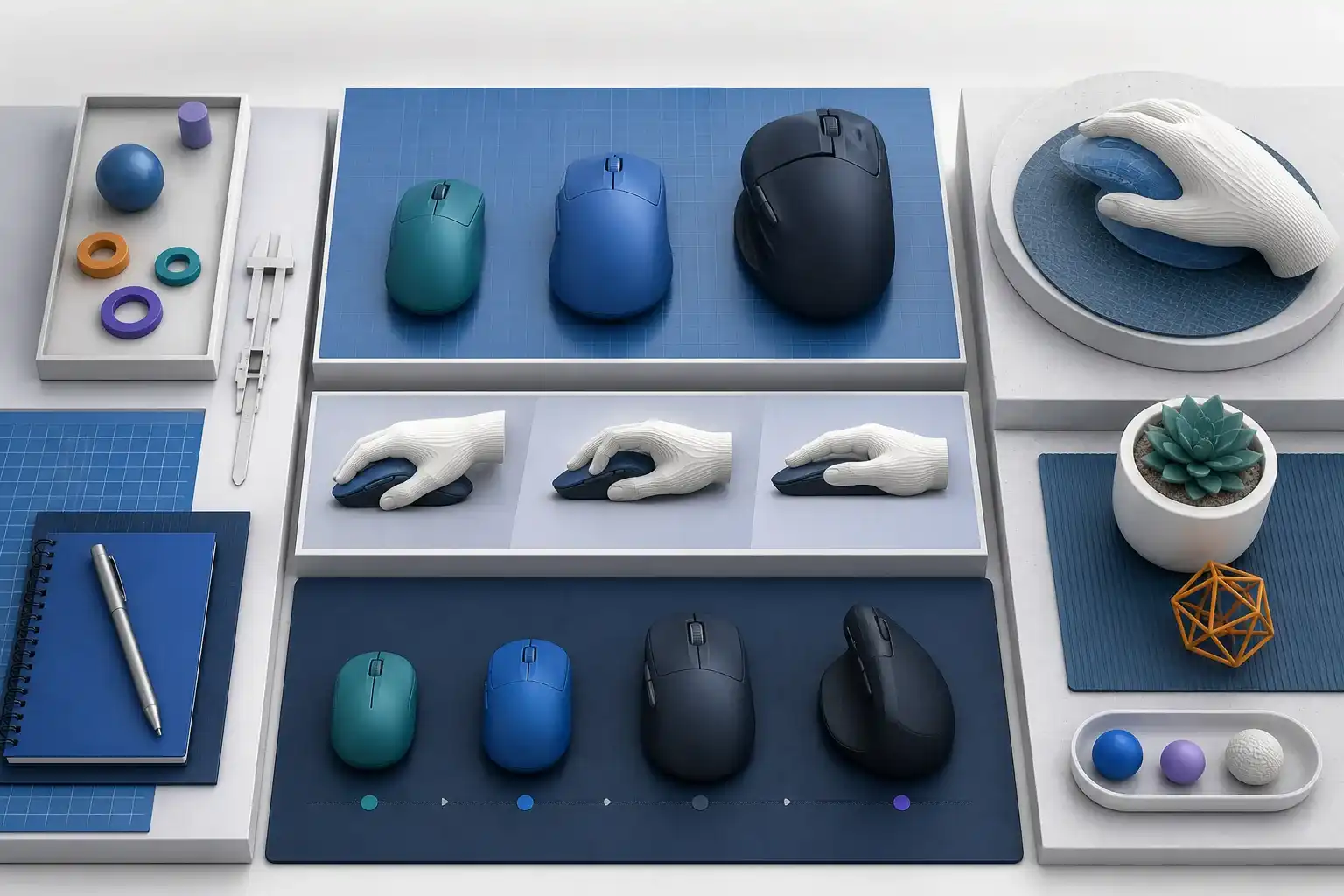
Read the guideChoose a wireless mouse by hand fit, grip style, neutral placement, sensor surface, connection, controls, battery, and left-handed needs.
Read the guide