As an Amazon Associate I earn from qualifying purchases. This link may earn PickScoreLab a commission at no additional cost to you.
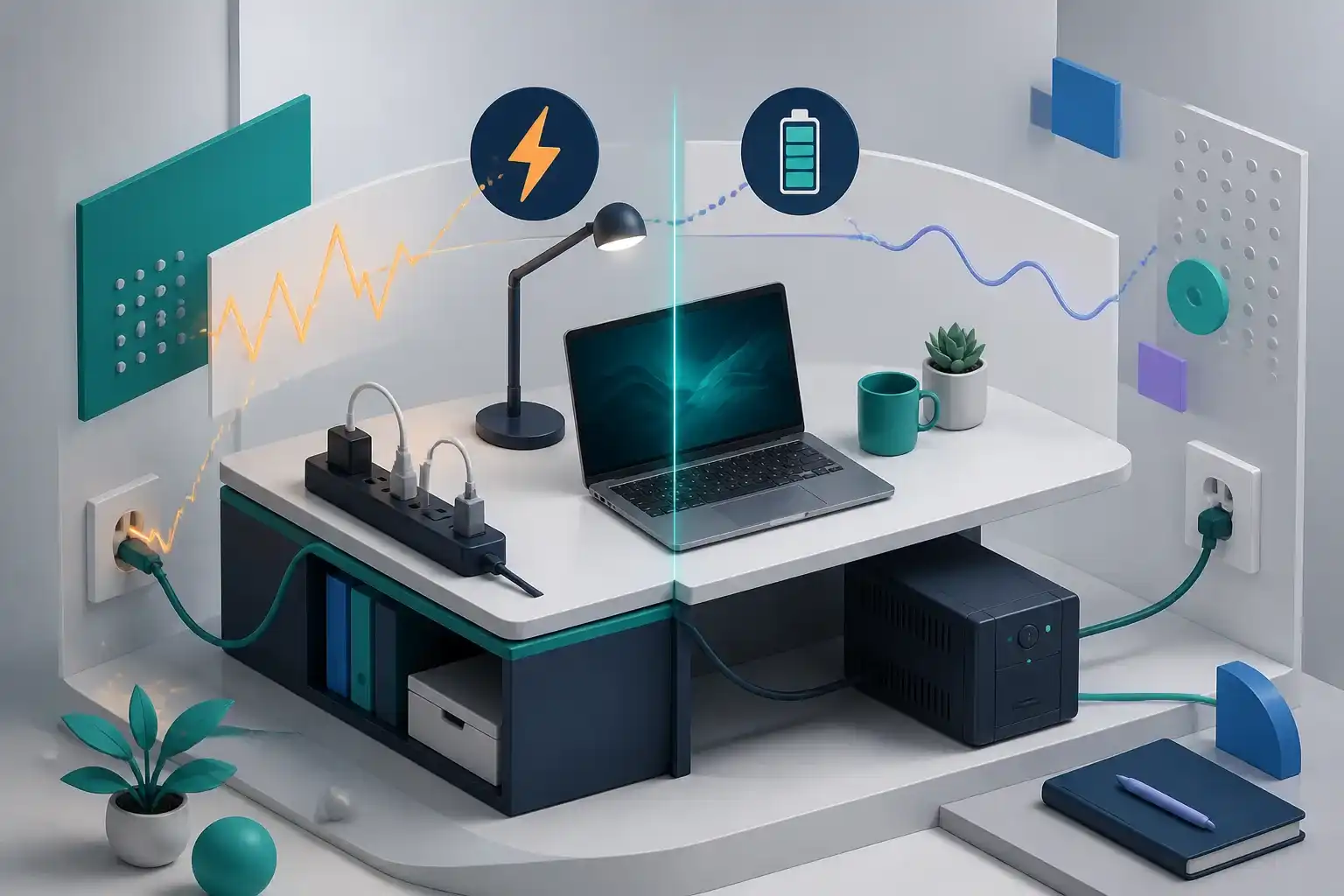
A power strip, surge protector, and uninterruptible power supply can all provide multiple outlets, but they solve different problems. A strip expands outlet count. A surge protector adds a protection circuit designed for certain transient overvoltage events. A UPS adds a battery-backed output intended to keep selected equipment running during a short outage or voltage disturbance.
None replaces safe household wiring, grounding, appropriate circuit capacity, or manufacturer instructions. This guide explains shopping questions, not electrical installation advice. Consult a qualified electrician for damaged, ungrounded, warm, loose, or inadequate outlets.
Define the failure you want to manage
Ask what happens at the desk:
- You only need more reachable outlets.
- Brief power events cause equipment to restart.
- Outages interrupt work or corrupt unsaved files.
- Network equipment loses power, ending calls.
- Voltage quality is a known local problem.
- Expensive equipment needs a documented protection plan.
A surge protector does not keep a desktop computer running during an outage. A UPS is not a guarantee against every surge or wiring fault. Choose the category based on the failure, then inspect the device’s published protection and operating limits.
Power strip: outlet distribution
A basic listed power strip provides several receptacles and often a switch or breaker. It may not contain meaningful surge-protection components. Product wording should state whether surge protection exists and provide relevant ratings.
Use a strip when the main need is convenient distribution for suitable desk electronics and the installation follows its instructions. Avoid assuming that a higher outlet count increases the safe total load.
Surge protector: transient protection
A surge protective device is designed to divert or limit certain transient overvoltage. Consumer descriptions may include ratings such as joules, clamping or let-through voltage, and maximum surge current. These numbers are not a complete prediction of performance or lifespan, and definitions must be compared on the same basis.
Look for:
- recognized independent safety certification appropriate to the product;
- a clear protection-status indicator;
- grounded plug and installation requirements;
- connected-equipment policy terms, if relevant;
- replacement guidance after a major event or when protection status changes;
- current model and recall information.
An illuminated power switch is not necessarily a protection-status light. Read the manual to understand what each indicator means.
UPS: time to save, shut down, or ride through
A UPS contains a battery and inverter or switching system. Its useful output has both a power limit and a runtime. The large number in the model name may be volt-amperes, while attached equipment also needs to fit within the published watt limit.
Create a protected-load list:
- desktop computer or workstation;
- one essential monitor;
- modem, router, and network equipment;
- external storage that needs orderly shutdown;
- other low-power devices required to finish or save work.
Do not automatically place printers, heaters, shredders, or other high-draw devices on battery-backed outlets. Follow the UPS maker’s device restrictions.
Estimate runtime by outcome
Do not buy “the most minutes.” Choose a target:
- enough time to save and shut down;
- enough time to bridge short outages;
- enough time to keep networking alive through a call;
- enough time for an approved generator or other system to take over.
Runtime falls as load rises and changes as the battery ages. Use the manufacturer’s runtime chart or calculator for a load close to your measured or documented equipment demand. A monitor’s maximum label and typical use can differ, so leave margin.
Battery-backed versus surge-only outlets
Many UPS units have two outlet groups. Battery-backed outlets remain powered for a limited time. Surge-only outlets do not receive battery runtime.
Place essential shutdown equipment on the battery group. Put nonessential desk devices on an appropriate non-battery connection. Label cords so a later desk rearrangement does not move the computer to a surge-only outlet unnoticed.
USB communication can allow shutdown software to respond to an outage. Verify operating-system support, cable inclusion, permissions, and configuration. A battery is less useful if the computer runs unattended and cannot shut down cleanly.
Topology and waveform
Consumer UPS categories often include standby, line-interactive, and online designs. They differ in how they respond to input conditions, regulate voltage, isolate output, and consume energy.
Waveform descriptions also vary. Some computer power supplies can be sensitive to the UPS output when running on battery. Use the computer or power-supply maker’s guidance and the UPS compatibility information. Do not assume that a higher VA label resolves topology or waveform compatibility.
For ordinary home-office use, a well-documented line-interactive model may be considered, but the correct choice depends on equipment and local power. Specialized, medical, server, or safety-critical equipment requires domain-specific advice.
Safety and placement
The CPSC advises consumers to use appropriately rated products, avoid overloading, keep cords uncovered so heat can escape, replace damaged cords, and look for certification from an independent testing laboratory.
For a UPS:
- keep ventilation openings clear;
- place it on a stable surface;
- follow orientation requirements;
- keep liquids away;
- do not enclose it in a sealed cable box;
- use the required grounded outlet;
- do not open or modify the battery system;
- follow battery replacement and disposal instructions.
Batteries age even when outages are rare. Record the installation date, test status indicators, and replacement guidance.
Do not daisy-chain power products
Do not plug one power strip or surge protector into another, and do not use extension cords as a permanent substitute for adequate wiring. Follow the UPS maker’s instructions about upstream and downstream protective devices. An installation that needs chained products needs a safer outlet and circuit plan.
Decision table
| Need | Starting category | Critical verification |
|---|---|---|
| More outlets only | Listed power strip | Total rating, grounding, cord, certification |
| Transient protection | Surge protector | Protection status, ratings, replacement policy |
| Save and shut down | UPS | Watt limit, runtime at load, software support |
| Keep router online | Small UPS or approved backup | DC/AC compatibility, runtime, battery service |
| Frequent voltage problems | UPS selected for condition | Topology, input range, equipment compatibility |
Final checklist
- The actual failure—outlet count, surge, or outage—is defined.
- Product is appropriately certified and checked for recalls.
- Total connected load fits published limits with margin.
- UPS watt and VA limits are both understood.
- Runtime is checked at the expected load.
- Essential devices are on battery-backed outlets.
- Shutdown communication supports the operating system.
- Waveform and topology suit sensitive equipment.
- Ventilation, grounding, placement, and battery service follow instructions.
- No power products or extension cords are daisy-chained.
Choose a surge protector to manage specified transient risk and a UPS to buy time. Neither is permission to ignore wiring, load, heat, grounding, or maintenance.
Compare UPS battery backups
Estimate the protected load and required runtime first. Verify outlet type, watt rating, battery serviceability, and current safety information.
Browse UPS battery backups on Amazon(paid link)As an Amazon Associate I earn from qualifying purchases. This link may earn PickScoreLab a commission at no additional cost to you.
Sources and further reading
Specifications and standards can change. Check the device maker’s current documentation before purchasing.