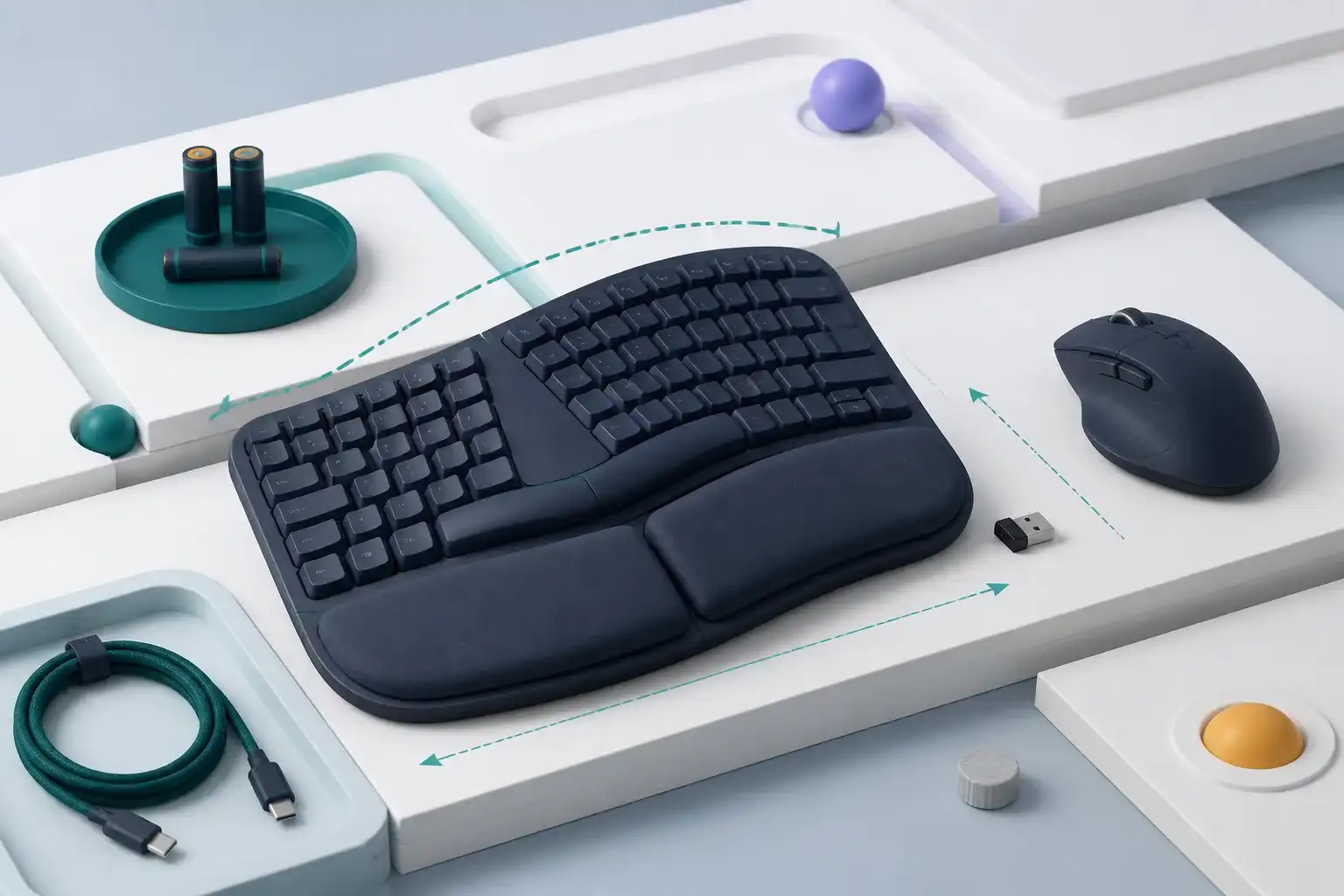
Logitech MK470 Review: Slim, Quiet, Receiver-Only
Logitech MK470 review covering its compact scissor-key layout, USB receiver, quiet office design, battery claims, compatibility, colors, and tradeoffs.
Read the reviewTreat each keyboard and mouse as a physical fit and connection decision, then compare layout, controls, batteries, software, and replacement options.
A keyboard-and-mouse bundle combines two devices that may not fit the same user equally well. Keyboard layout, key spacing, switch feel, typing angle, wrist position, mouse size, grip, handedness, sensor surface, and button placement all influence comfort. Our reviews use published dimensions and features to identify these decisions without pretending that a specification can prove personal ergonomics or long-term durability.
Connection method affects daily behavior. A shared USB receiver can simplify pairing but occupies a port and may be difficult to replace. Bluetooth preserves the receiver port but can introduce different switching, wake, firmware, and operating-system considerations. Multi-device products should be checked for how the keyboard and mouse switch, which devices they remember, and whether configuration software is required. Battery estimates depend on usage, lighting, battery type, sleep behavior, and indicator design.
Measure the available desk and compare the exact layout before buying. Confirm regional key legends, number pad, navigation cluster, function behavior, receiver type, Bluetooth support, compatible operating systems, and software permissions. For a bundle, test both devices promptly, including wake, range, interference, shortcuts, tracking, and battery compartments. A basic wired set may be the more dependable choice when stable connection and easy replacement matter more than a clean wireless desk.
Page 1 of 1
Logitech MK470 review covering its compact scissor-key layout, USB receiver, quiet office design, battery claims, compatibility, colors, and tradeoffs.
Read the reviewEDJO wireless combo review covering its full-size layout, 2.4GHz receiver, mouse, batteries, shortcut keys, desk width, compatibility, and support risks.
Read the reviewLenovo Legion K310 review covering membrane keys, RGB lighting, full-size layout, USB connection, software controls, desk fit, and buying checks.
Read the reviewLoigys wireless combo review covering full-size keys, shared receiver, wrist support, bundled mouse, batteries, desk width, compatibility, and warranty checks.
Read the reviewRECCAZR EK30 review covering its wave keyboard, shared USB receiver, wrist rest, adjustable tilt, bundled mouse, desk width, batteries, and support.
Read the reviewRedThunder K95 review covering hot-swappable switches, wireless modes, RGB, battery claims, full-size layout, software limits, latency, and support.
Read the reviewSablute MA12 review covering its wave keyboard, wrist rest, wireless modes, rechargeable design, bundled mouse, device switching, desk fit, and support.
Read the reviewHP 230 wireless keyboard and mouse review covering layout, 2.4GHz receiver, batteries, mouse fit, shortcuts, compatibility, support, and office value.
Read the reviewLogitech MK120 review covering its wired USB keyboard and mouse, full-size layout, compatibility, key feel, mouse fit, spill resistance, durability, and value.
Read the reviewLogitech MK335 review covering its full-size keyboard, media keys, wireless receiver, mouse shape, batteries, layout, compatibility, durability, and value.
Read the reviewLogitech MK345 review covering its palm-rest keyboard, right-handed mouse, wireless receiver, battery claims, layout, compatibility, comfort, and value.
Read the reviewLogitech MK370 business combo review covering Logi Bolt and Bluetooth options, keyboard layout, mouse fit, security, batteries, software, and fleet use.
Read the reviewLogitech MK540 review covering its full-size keyboard, palm rest, Unifying receiver, mouse fit, shortcut keys, batteries, software, compatibility, and value.
Read the reviewLogitech MK850 review covering multi-device switching, keyboard comfort, mouse controls, Bluetooth, USB receiver support, software, batteries, and value.
Read the reviewLovaky wireless keyboard and mouse review covering full-size layout, 2.4GHz receiver, batteries, ergonomics, compatibility, support, durability, and value.
Read the reviewTECKNET X315 review covering its compact keyboard, 2.4GHz receiver, adjustable mouse, battery behavior, layout, compatibility, latency, support, and value.
Read the reviewLogitech MK250 review covering Bluetooth setup, compact keyboard layout, M196 mouse, battery estimates, operating-system support, and desk fit.
Read the reviewLogitech MK270 review covering its USB receiver, full-size keyboard, compact mouse, battery estimates, compatibility, office use, and gaming limits.
Read the reviewPickScoreLab is an independent publication and is not endorsed by Amazon. Qualifying purchases made through clearly labeled paid links may earn us a commission at no additional cost to the reader.