As an Amazon Associate I earn from qualifying purchases. These links may earn PickScoreLab a commission at no additional cost to you.
Quick verdict: Choose MK250 when direct Bluetooth and a free USB port matter most. Choose MK470 when a slimmer scissor-key design and quiet-focused coordinated styling matter more—and using its included USB-A receiver is acceptable. Neither model offers multi-device switching, backlighting, charging, or a premium mouse.
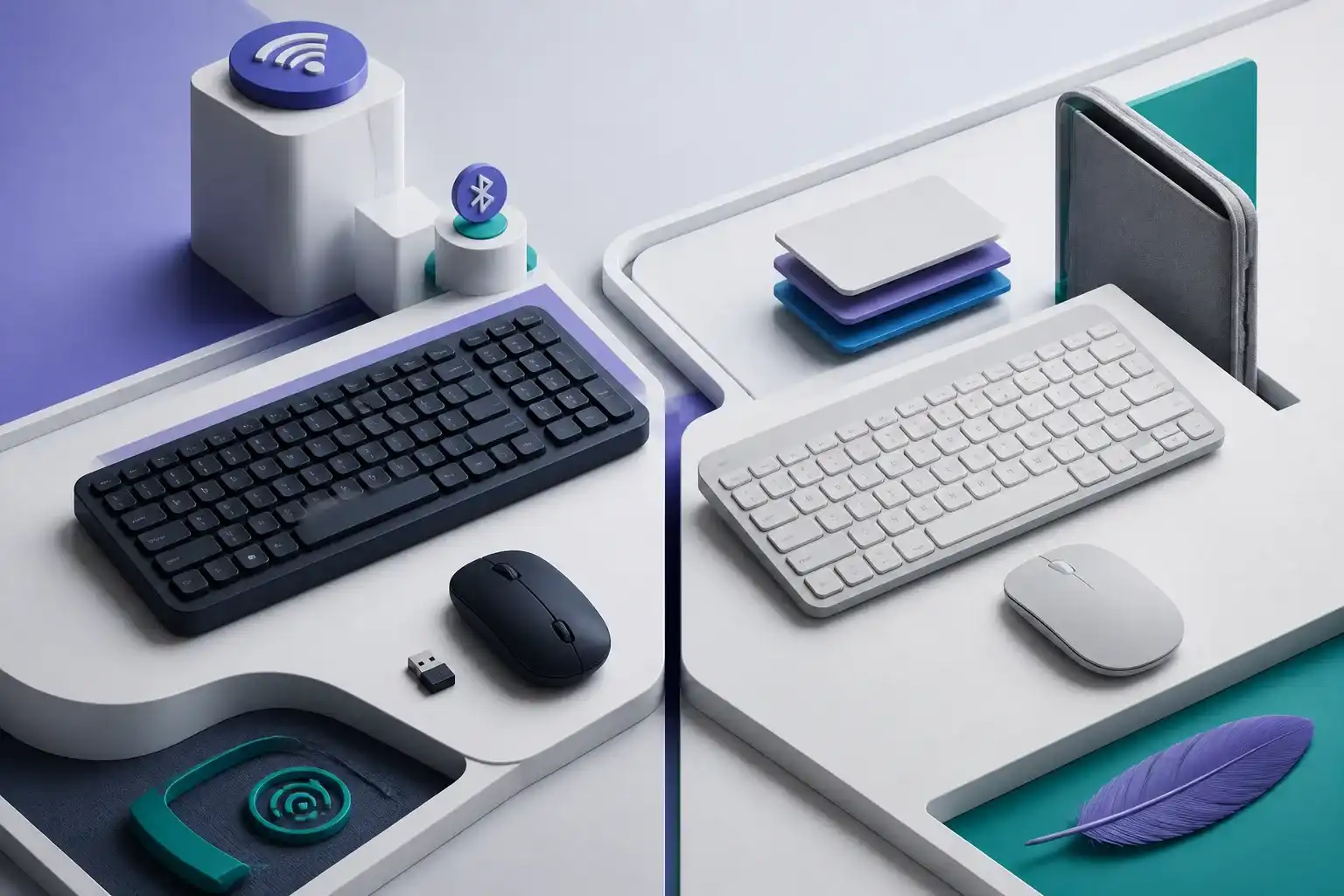
MK250 and MK470 both reduce keyboard width while retaining a number pad, but they arrive there by different routes. MK250 is a newer basic Bluetooth package with a K250 keyboard and M196 mouse. MK470 is a receiver-only slim combo with shorter-travel scissor keys and a low-profile pebble mouse.
The connection choice should come before color or model number. It determines which computers the combo can use, whether a port stays occupied, and how problems are diagnosed.
MK250 vs MK470 specifications
| Decision factor | Logitech MK250 | Logitech MK470 |
|---|---|---|
| Connection | Bluetooth Low Energy | 2.4 GHz non-Unifying USB-A receiver |
| Receiver included | No receiver required | Yes; both devices depend on it |
| Keyboard width | 369.9 mm | 373.5 mm |
| Keyboard depth | 136.9 mm | 143.9 mm |
| Keyboard travel | 2.5 mm published total travel | 1.8 mm published total travel |
| Mouse | M196, 1000 DPI, three buttons | Slim 1000 DPI, three buttons |
| Keyboard battery claim | Up to 12 months | Up to 36 months |
| Mouse battery claim | Up to 12 months | Up to 18 months |
| Formal platform list | Windows 10/11+, macOS 12+, ChromeOS | Windows and ChromeOS at release |
| Main advantage | Does not occupy a USB port | Slimmer, quiet-focused scissor-key design |
Battery life, wireless range, feel, and noise are not guaranteed by a specification table. They change with usage, radio conditions, battery quality, desk materials, and individual technique.
Choose MK250 for direct Bluetooth
MK250 pairs the keyboard and mouse separately through the operating system. That means there is no small receiver to lose and no USB-A port consumed. It is a logical fit for a modern laptop with stable Bluetooth and few ports.
Separate pairing is also the first setup tradeoff. Logitech’s instructions identify the devices as Logi K250 and Logi M196 in Bluetooth settings. The keyboard may require typing a displayed numeric code and pressing Enter; the mouse pairs independently. A user can successfully pair one half while the other remains disconnected.
Bluetooth policy matters on managed computers, and firmware screens may not accept Bluetooth input before the operating system loads. Our MK250 pairing and troubleshooting guide separates the keyboard and mouse checks so a partial setup is easier to diagnose.
Choose MK470 for a receiver-based slim combo
MK470 uses one included receiver for both devices. This can avoid operating-system pairing screens and keep the keyboard and mouse together as one package. It is attractive when the receiver can remain installed in a Windows or ChromeOS desk computer.
The receiver is non-Unifying. Protect it and do not assume a similar Logitech receiver will work as a replacement. A USB-C-only laptop also needs a compatible adapter or dock, which reduces the elegance of the setup.
MK470’s stronger design distinction is the 1.8 mm scissor-key mechanism. Logitech positions it as a laptop-like, quiet typing experience. MK250 lists 2.5 mm total key travel and is presented as an affordable basic Bluetooth combo. Those numbers describe movement; they do not prove which board an individual will prefer.
Desk footprint is close; layout details are not
The keyboards are only a few millimeters apart in published width. Both keep numeric entry by compressing the navigation area rather than using a conventional full-size arrangement. The useful question is not “which is compact?” but “which exact navigation layout is easier for my work?”
Check arrow keys, Home, End, Page Up, Page Down, Delete, screenshot, calculator, and media controls on the current regional layout. Small differences can matter more than the width measurement for a spreadsheet or editing workflow.
Both can reduce right-shoulder reach compared with a wide MK270-style board, but neither is an ergonomic split keyboard. Tilt, desk height, wrist posture, and mouse position remain separate decisions.
Mouse comparison: two compact compromises
MK250 includes the M196, documented with 1000 DPI optical tracking and three buttons. MK470 also lists 1000 DPI and three buttons in a thinner pebble-style body.
Neither specification set promises side buttons, adjustable DPI, a horizontal wheel, a sculpted palm shape, or gaming controls. MK470 may look more coordinated, while MK250’s M196 has a more conventional compact outline. Only hand measurements and sustained use can determine comfort.
Use our wireless mouse fit guide before assuming that the mouse bundled with the preferred keyboard is also the right mouse.
Compatibility differences
MK250 has the broader current formal platform list in the cited support specification: Windows 10 or 11 and later, macOS 12 or later, and ChromeOS, all with Bluetooth Low Energy. A device still needs working Bluetooth and permission to pair peripherals.
MK470’s cited technical page lists Windows and ChromeOS at release through its USB receiver. USB HID behavior may extend beyond those names in practice, but formal support, shortcuts, layout, wake behavior, and adapter compatibility should not be inferred.
For a MacBook with no USB-A ports, MK250 is normally the cleaner documented choice. For a fixed Windows desktop where Bluetooth is disabled, MK470 can be the easier fit.
Battery and maintenance
Both combos use replaceable alkaline cells: two AAA batteries for the keyboard and one AA for the mouse. MK470 carries longer published estimates, but the products also use different wireless systems and key designs. Do not translate the numbers directly into a guaranteed ownership cost.
Neither combo is rechargeable or backlit. Replace cells in both devices when troubleshooting uncertain power behavior, observe polarity, and recycle depleted batteries appropriately.
Which one is better for quiet work?
Logitech explicitly markets MK470 around quiet typing and clicking. MK250 is marketed around affordable Bluetooth simplicity. That gives MK470 the stronger paper case for a quiet-focused desk, but this review has not measured either product’s sound.
Room acoustics, desk resonance, typing force, and key variation can change the result. A return policy is more useful than an unsupported numerical noise claim.
Decision checklist
Choose MK250 when:
- The computer has supported, reliable Bluetooth Low Energy.
- Preserving a USB port is important.
- Separate keyboard and mouse pairing is acceptable.
- Current macOS support is required.
- A simple compact combo is enough.
Choose MK470 when:
- The computer has a free USB-A port.
- Receiver setup is preferable to Bluetooth pairing.
- Low-profile scissor keys are the stronger fit.
- Quiet-focused design and coordinated colors matter.
- The receiver can remain protected at one desk.
Look beyond both for multi-device switching, ergonomic hardware, backlighting, rechargeable power, mechanical switches, or gaming features.
Frequently asked questions
Does MK250 use the same receiver as MK470?
No. MK250 connects through Bluetooth and does not require a USB receiver. MK470 depends on its included non-Unifying receiver.
Which keyboard is smaller?
The published widths are close: 369.9 mm for MK250 and 373.5 mm for MK470. Layout arrangement and depth may matter more than the 3.6 mm width difference.
Can either combo switch between several computers?
Neither is marketed as an Easy-Switch multi-device combo. MK250 can be paired to a new device, but that is not the same as dedicated rapid switching among saved computers.
Is MK470 compatible with Mac?
The cited MK470 technical support page lists Windows and ChromeOS at release. Do not treat generic USB behavior as formal macOS support. MK250 explicitly lists macOS 12 or later in its cited support specification.
Final recommendation
MK250 is the connectivity-first choice; MK470 is the slim-design-first choice. The MK250 solves the problem of scarce ports, while the MK470 solves the preference for a coordinated low-profile desk set without Bluetooth pairing.
Choose the wireless method and platform support first, then compare layout, mouse fit, batteries, and color. That order avoids the most expensive mismatch.
Compare both current Amazon listings
Confirm each ASIN, configuration, seller, warranty, return terms, and current specifications. Prices and availability can change.
As an Amazon Associate I earn from qualifying purchases. These links may earn PickScoreLab a commission at no additional cost to you.
Read the individual reviews
Sources and further reading
- Logitech — MK250 Bluetooth Combo product page
- Logitech Support — MK250 specifications
- Logitech — MK470 Slim Combo product page
- Logitech Support — MK470 technical specifications
Product specifications, software support, seller terms, price, and availability can change. Confirm the exact model and current manufacturer documentation before buying.