ACEMAGIC V1 Review: N150 Mini PC Basics
ACEMAGIC V1 review covering Intel N150 performance, 16GB DDR4, 512GB SSD, dual 4K outputs, Wi-Fi 6, Gigabit Ethernet, cooling, upgrades, and support.
Read the reviewJudge compact computers by the complete installed system, port behavior, cooling, support, and upgrade limits—not by the processor name alone.
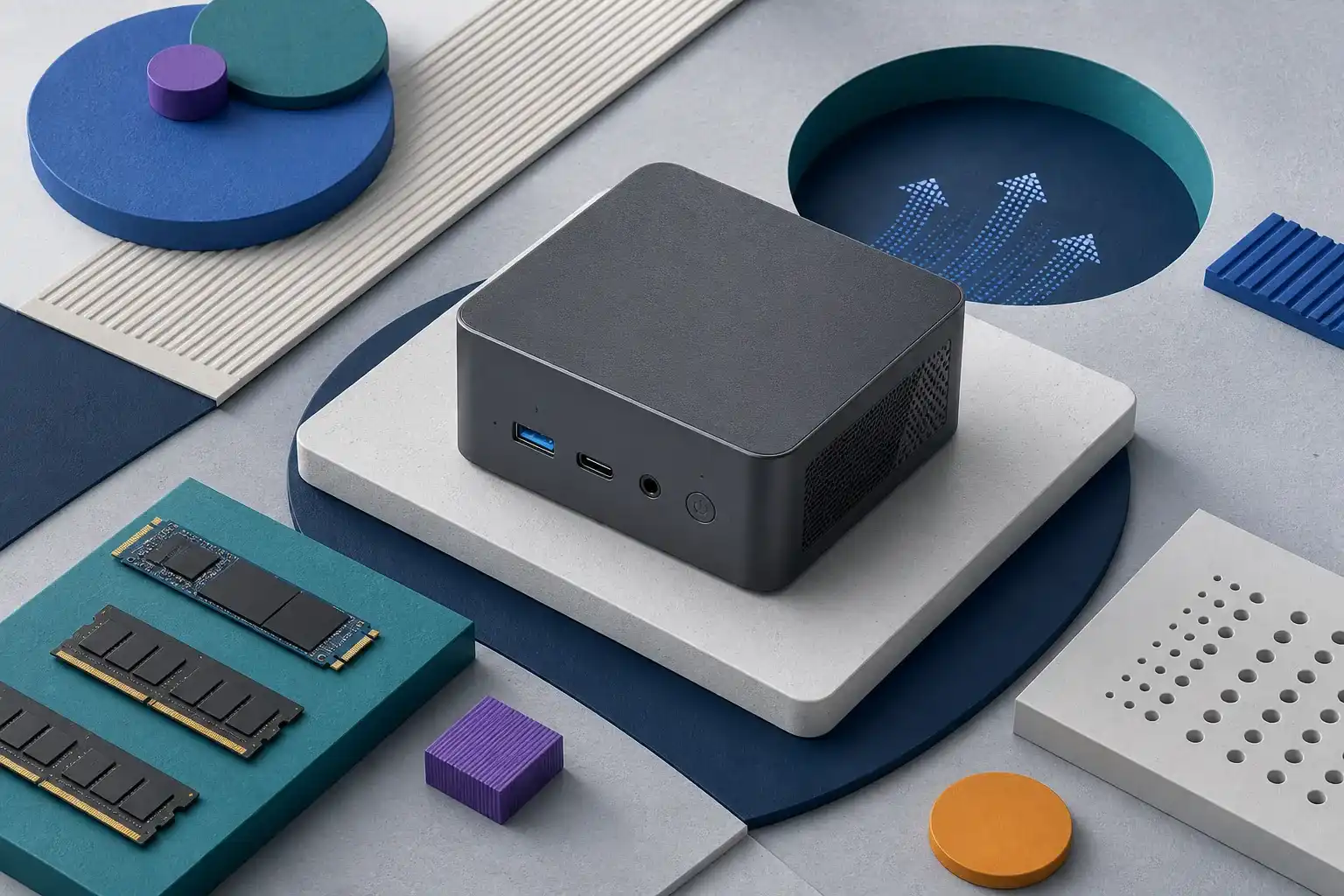
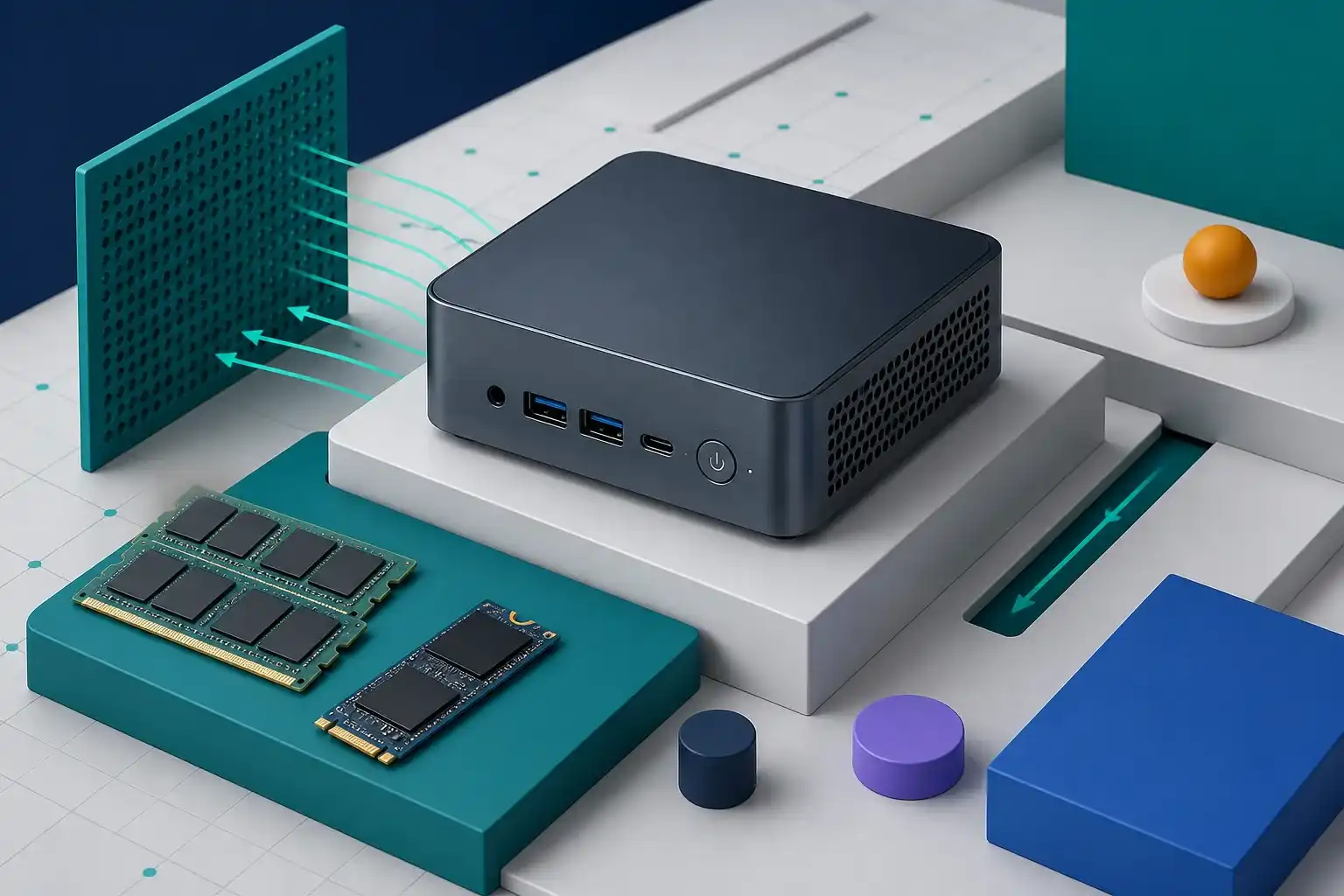
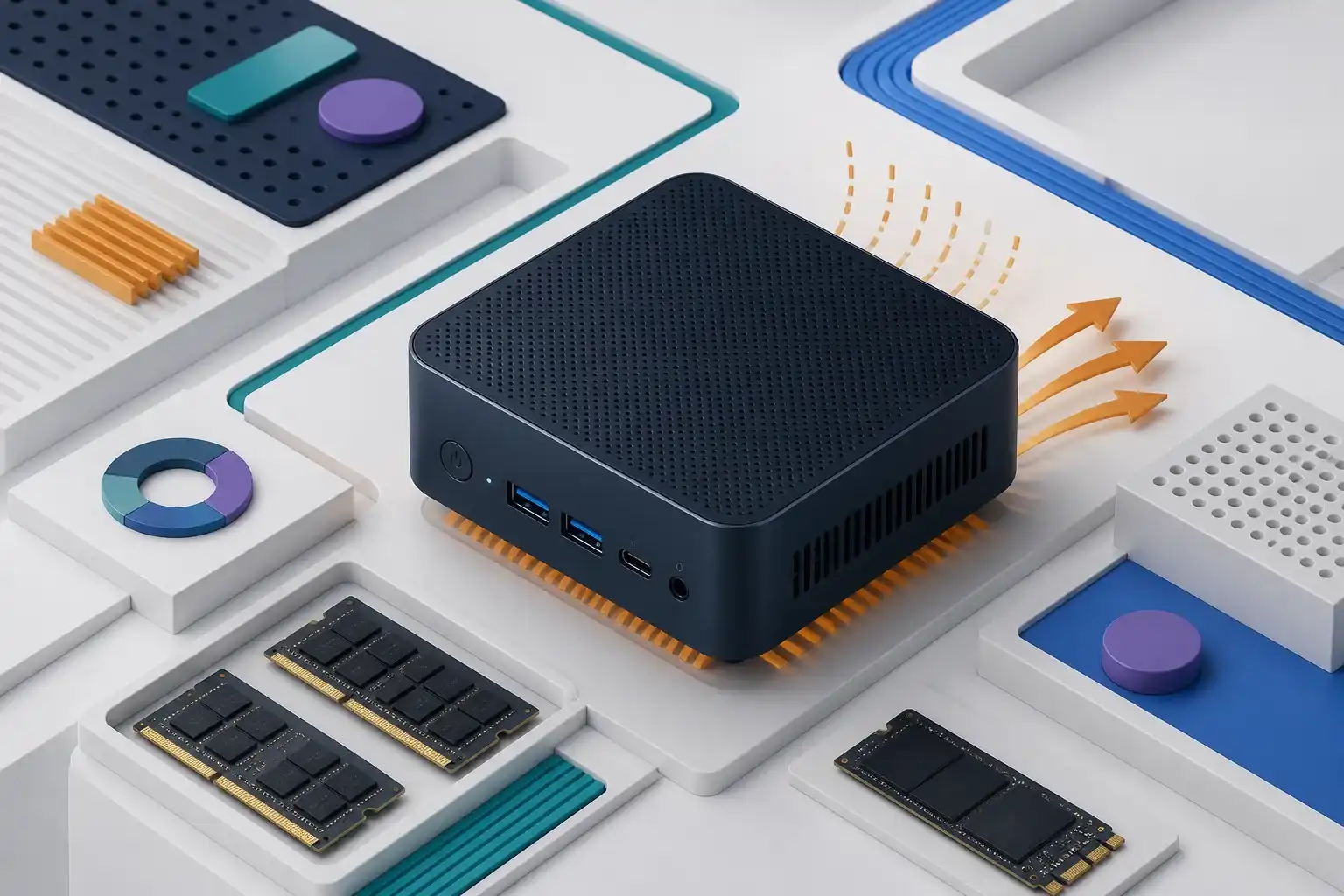
Mini PCs trade internal space for a compact desk footprint, but that makes configuration details unusually important. A familiar processor name does not reveal the installed memory layout, SSD interface, wireless card, cooling system, power adapter, or operating-system license. Retail pages may also combine barebones and fully configured variants. Our reviews use the exact ASIN as the boundary of the analysis and flag specifications that should be confirmed on the current listing and on the delivered unit.
The most useful comparison starts with workload and connections. Office applications, media playback, home servers, local development, emulation, and creative tools place different demands on CPU performance, graphics, memory, storage, and sustained cooling. Display support depends on the specific HDMI, DisplayPort, USB-C, or USB4 implementation rather than connector shape. We also examine Ethernet, Wi-Fi, Bluetooth, audio, mounting options, fan behavior claims, memory and storage access, and the availability of drivers and firmware.
A mini PC is not automatically cheaper once the full setup is counted. Memory, storage, an operating-system license, a monitor, input devices, adapters, and replacement power supplies can change the total. Before buying, verify whether the unit is barebones or ready to use, which components are installed, who provides the warranty, and whether returns cover configuration mistakes. The best compact computer is the one that meets the required workload without relying on undocumented upgrade paths or ports.
Page 1 of 1
ACEMAGIC V1 review covering Intel N150 performance, 16GB DDR4, 512GB SSD, dual 4K outputs, Wi-Fi 6, Gigabit Ethernet, cooling, upgrades, and support.
Read the reviewACEMAGICIAN S3A review covering Ryzen 7 H 255, Radeon 780M graphics, 16GB LPDDR5, 512GB SSD, ports, cooling, upgrade limits, RGB, and support.
Read the reviewBOSGAME B95 review covering Intel N95 performance, 16GB memory, 512GB SSD, 2.5GbE, USB-C display support, storage upgrades, cooling, and support.
Read the reviewGEEKOM A5 review covering Ryzen 5 7430U, 16GB memory, 512GB SSD, display outputs, USB-C, storage and RAM upgrades, cooling, wireless, and warranty.
Read the reviewGMKtec K13 review covering Core Ultra 7 256V, Arc 140V graphics, 16GB LPDDR5X, dual NVMe slots, USB4, 5GbE, triple displays, cooling, and value.
Read the reviewKAMRUI GK3 Plus review covering Intel N95 performance, 16GB DDR4, 512GB M.2 storage, display outputs, ports, networking, cooling, upgrades, and support.
Read the reviewKAMRUI Hyper H2 review covering Core i9-14900HX performance, 32GB DDR4, 1TB SSD, triple displays, Wi-Fi 6E, cooling, integrated graphics, and support.
Read the reviewKAMRUI Pinova P1 review covering Ryzen 3 4300U performance, 16GB memory, 256GB SSD, triple-display claims, ports, upgrades, cooling, and support.
Read the reviewMac mini M4 Pro review covering the 12-core CPU, 16-core GPU, 24GB memory, 512GB storage, Thunderbolt, displays, ports, upgrades, acoustics, and value.
Read the reviewReatan A8 review covering Ryzen 7 8745HS, Radeon 780M, DDR5 and SSD variants, USB4, OCuLink, multi-display support, networking, cooling, and warranty.
Read the reviewGMKtec NucBox G3S review covering Intel N95 performance, 8GB memory, 256GB storage, display support, ports, cooling, upgrades, and mini-PC value.
Read the reviewGEEKOM GT13 Max Mini PC review: Core Ultra 9 185H, 16GB. Check compatibility, setup limits, tradeoffs, common problems, and what to verify before buying.
Read the reviewPickScoreLab is an independent publication and is not endorsed by Amazon. Qualifying purchases made through clearly labeled paid links may earn us a commission at no additional cost to the reader.