JSAUX USB-A to USB-C Cable 2-Pack: strengths and limitations
Reasons to consider it
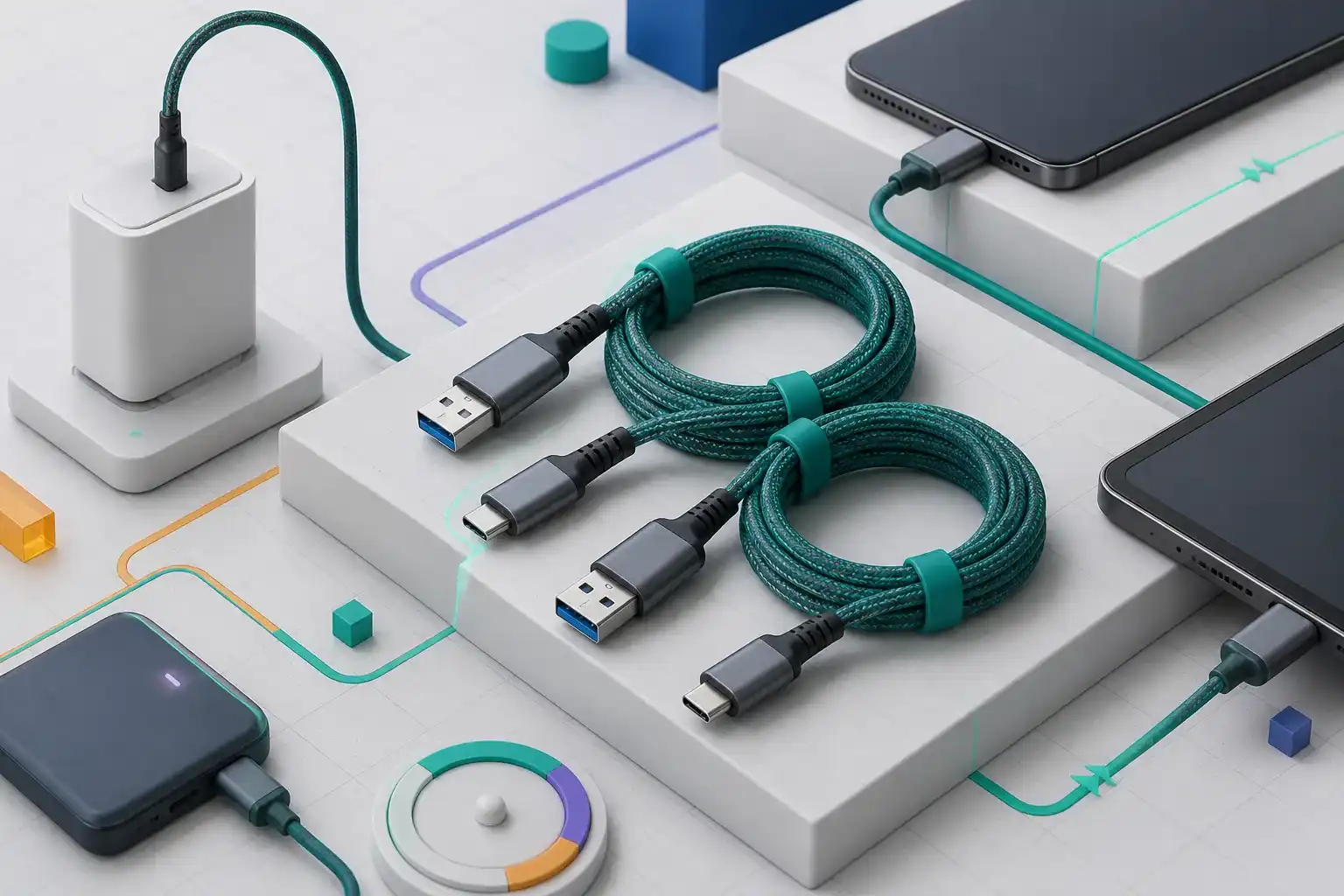
- Two 6.6-foot cables suit bedside, desk, and vehicle use
- Braided outer jacket is intended to resist everyday abrasion
- USB-A compatibility works with many existing chargers and cars
- Two-pack can separate home and travel use
Reasons to skip it
- Not a USB-C to USB-C Power Delivery cable
- The listing advertises USB 2.0-class 480 Mbps data
- Long length adds clutter and voltage-loss considerations
- Exact model documentation is not available on JSAUX's current site
As an Amazon Associate I earn from qualifying purchases. This link may earn PickScoreLab a commission at no additional cost to you.
Short answer: This JSAUX two-pack is designed for convenience with existing USB-A chargers, computers, and car ports. It is not a replacement for a USB-C to USB-C Power Delivery cable, and it should not be purchased for video, docks, laptops, or high-speed storage.
Cable shopping becomes easier when the connector and protocol are separated. “USB-C” describes the small reversible connector on the device end. This product uses USB-A on the charger end, which limits what it can negotiate compared with a modern USB-C Power Delivery setup.
The Amazon listing for ASIN B076FPGWNZ describes two braided cables at 6.6 feet each, charging up to 3.1 A under compatible conditions, and data transfer up to 480 Mbps. We could not find an exact current model page on JSAUX’s site, so those product-specific figures remain seller-listing claims rather than independently verified specifications.
Key listing details
| Attribute | Listing claim or connection fact |
|---|---|
| Package | Two cables |
| Length | 6.6 ft / 2 m each |
| Connectors | USB-A male to USB-C male |
| Charging claim | Up to 3.1 A with compatible equipment |
| Data claim | Up to 480 Mbps |
| Outer jacket | Braided |
| USB-C Power Delivery | No USB-C-to-USB-C PD path |
| Video output | Not intended for video |
The practical question is not whether the cable “supports USB-C.” It is whether both ends match your devices and whether the intended charger protocol can deliver the power you expect.
Charging: the USB-A end matters
A USB-A charger can power many phones, earbuds, controllers, speakers, battery packs, and accessories with USB-C ports. Actual charging speed depends on the charger, device, cable resistance, and charging protocol supported by both ends.
The listing’s 3.1 A figure should not be converted into a universal wattage promise. Voltage and protocol matter, and a device will not automatically receive its maximum advertised fast-charge rate. USB-C Power Delivery requires a compatible USB-C source and cable path; this USB-A product is not that path.
For a modern laptop, handheld computer, portable monitor, or high-power tablet, start with the manufacturer’s required wattage and connector. Our USB-C ports and power guide explains why connector shape alone cannot establish charging capability.
Data transfer is basic, not high speed
The Amazon listing claims up to 480 Mbps, which corresponds to USB 2.0-class signaling. That can be adequate for device setup, occasional file sync, Android Auto or other compatible in-car functions, and small transfers.
It is slow compared with current external SSD, dock, and high-resolution media workflows. It also does not imply video output. A cable that charges a USB-C device successfully may still lack the wiring and protocol support needed for DisplayPort Alternate Mode.
Use a properly specified USB-C cable for:
- External SSDs and large backups.
- USB-C docks and monitor connections.
- Laptop Power Delivery.
- High-resolution cameras and capture devices.
- Workflows that require USB 3.x or USB4 speeds.
Why 6.6 feet can be useful
A two-meter cable can reach from a floor outlet to a desk, across a vehicle console, or from a charger behind furniture to a bedside table. The extra reach can reduce strain on the device connector because the user is not pulling against a short cable.
Length also creates trade-offs. More cable is harder to store, easier to snag, and can add electrical resistance. Avoid tight bends at the connector and do not trap the cable under a chair, desk leg, or moving sit-stand mechanism.
For a permanent desk installation, route the cable with a service loop rather than stretching it taut. Our home-office cable management guide covers strain relief, labeling, and separation from power equipment.
Braiding is not a complete durability guarantee
A braided jacket can help resist surface abrasion and tangling, but durability also depends on conductor quality, connector soldering, strain relief, and how the cable is handled. A strong-looking jacket cannot reveal the condition of internal conductors.
Replace the cable if charging becomes intermittent, a connector becomes unusually hot, the plug feels loose, or the jacket exposes internal material. Do not continue using a cable that has been crushed or sharply kinked near either connector.
Compatibility checklist
Before ordering, confirm all of the following:
- The charger or computer has a rectangular USB-A port.
- The device has a USB-C receptacle, not Lightning or Micro-USB.
- The device does not require USB-C Power Delivery for acceptable charging.
- USB 2.0-class data is sufficient for the intended task.
- A 6.6-foot cable will not create unnecessary clutter.
- The live listing still shows ASIN B076FPGWNZ and a two-pack.
The cable may suit phones and accessories while being completely wrong for a laptop. Compatibility should be evaluated device by device.
Who should buy this JSAUX cable?
It is most plausible for:
- Reusing USB-A wall chargers with USB-C accessories.
- Vehicle USB-A ports.
- Bedside or sofa charging where extra reach matters.
- Keeping one cable at home and one in a bag.
- Occasional USB 2.0 file sync.
Choose another cable if you need:
- USB-C Power Delivery.
- Laptop charging.
- Display output.
- USB 3.x, USB4, or Thunderbolt data.
- A short cable for a power bank or compact travel kit.
Frequently asked questions
Is this a USB-C fast-charging cable?
It can charge compatible USB-C devices from a USB-A source, but it is not a USB-C-to-USB-C Power Delivery cable. Actual speed depends on the charger and device.
Can it connect a laptop to a USB-C monitor?
No. The advertised USB 2.0-class data connection and USB-A source are not a suitable monitor path.
Is 480 Mbps fast enough?
It is sufficient for basic sync and small transfers. It is not appropriate for fast external storage or large media workflows.
Does the two-pack include a charger?
The listing is for cables. Confirm package contents on the live product page; do not assume a wall adapter is included.
Final verdict
The JSAUX two-pack has a narrow, understandable role: long USB-A to USB-C charging cables for everyday accessories and older power sources. The two-pack and braided jacket add convenience, but neither changes the underlying USB-A limitations.
Buy it only after confirming connectors, charging expectations, and data needs. If Power Delivery, video, or high-speed storage appears anywhere in the requirement, use a cable explicitly certified for that job instead.
Check the JSAUX USB-A to USB-C Cable 2-Pack listing
Confirm the model and ASIN (B076FPGWNZ), current specifications, color, seller, and return terms before ordering. Amazon prices and availability can change.
Check the JSAUX cable two-pack on Amazon(paid link)As an Amazon Associate I earn from qualifying purchases. This link may earn PickScoreLab a commission at no additional cost to you.
Sources and further reading
Product specifications, included accessories, price, and availability can change. Verify the current manufacturer documentation and seller listing before purchasing.