As an Amazon Associate I earn from qualifying purchases. These links may earn PickScoreLab a commission at no additional cost to you.
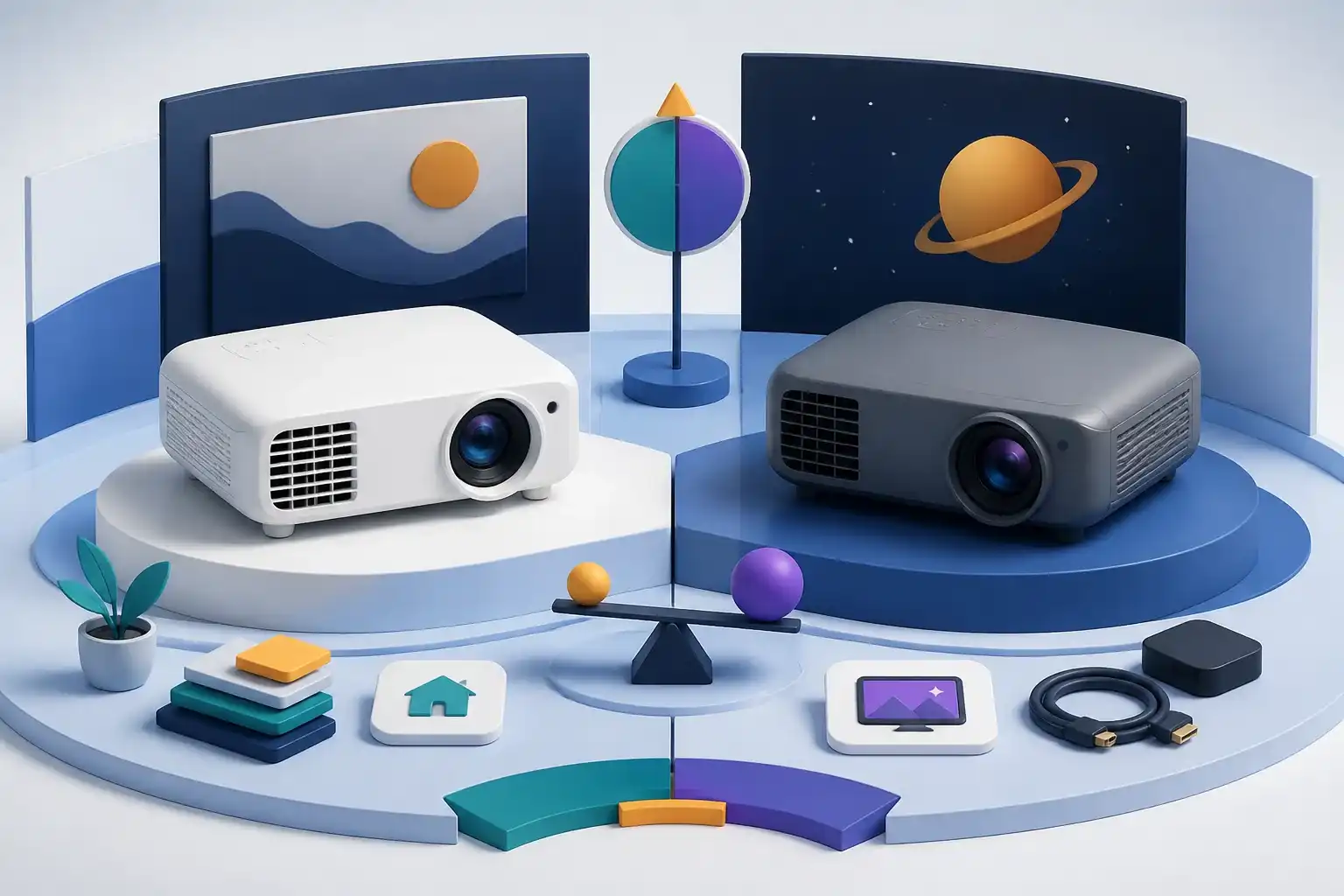
Quick verdict: Choose the Home Cinema 980 for brighter 1080p viewing and simpler sources. Choose the 2350 for 4K PRO-UHD processing, Android TV, and documented gaming modes.
This comparison is deliberately tied to two exact product pages. Similar names can hide different processors, graphics memory, screens, firmware, bundles, sellers, or regional hardware. Save both live configurations before comparing price, then verify the delivered model while the return window remains open.
Epson Home Cinema 980 vs Epson Home Cinema 2350 specs
| Decision factor | Epson Home Cinema 980 | Epson Home Cinema 2350 |
|---|---|---|
| Resolution | Native 1080p | 4K PRO-UHD |
| Brightness claim | 4000 lumens | 2800 lumens |
| Streaming | External source | Android TV adapter |
| Gaming | Standard input path | High-refresh modes claimed |
| Main tradeoff | Brightness and simplicity | Detail and smart features |
The table records published configuration details, not measured outcomes. It does not prove frame rate, brightness, contrast, noise, temperature, reliability, or support quality.
The difference that should drive the choice
The useful question is not which name looks newer. Start with the requirement that cannot be changed later: the target workload or room, the physical fit, the necessary connections, and the support path. Then compare the first two rows of the table in that context.
For Epson Home Cinema 980, the strongest paper argument is Native 1080p paired with 4000 lumens. For Epson Home Cinema 2350, it is 4K PRO-UHD paired with 2800 lumens. Neither combination is automatically better. The preferred balance changes with resolution, software, source device, cooling or ambient light, and how long the system must remain useful.
Compatibility and setup
Confirm every physical and electrical dependency before ordering. Desktop buyers should record monitor resolution, ports, power-supply model, motherboard, memory layout, storage interface, case clearance, networking, and upgrade access. Projector buyers should record screen width, throw distance, lens offset, mounting height, room light, HDMI source modes, audio routing, network access, and streaming fallback.
Connector labels alone are incomplete. A compatible-looking HDMI or USB port may support different bandwidth or features, while a prebuilt name does not reveal every internal part. Use the exact manuals and the current configuration rather than assumptions based on another model in the same family.
Performance claims need context
No product in this comparison received a fabricated lab result. Desktop performance varies by application, resolution, quality settings, drivers, cooling, memory channels, firmware, and power limits. Projector image quality varies by picture mode, screen, room light, throw position, source format, calibration, and measurement method.
That is why a larger number in one row is a shortlist signal, not a complete verdict. Look for independent measurements made under comparable conditions when a particular result—such as game frame rate, input latency, ANSI brightness, fan noise, or color accuracy—is essential.
Ownership and upgrade tradeoffs
Compare the complete usable setup. Extra memory, storage, a stronger power supply, monitors, cables, mounting, screens, streamers, audio, surge protection, and return shipping can reverse an apparent price advantage. Also identify who supplies warranty service and whether core replacement parts or firmware remain available.
An upgrade path should be documented, not assumed. Physical clearance, proprietary wiring, platform limits, lamp or filter service, and app support can each shorten useful life. A simpler configuration with clear support may provide better long-term value than a longer feature list.
Buying checklist
- The exact model, ASIN, seller, condition, and included accessories are confirmed.
- The first two specification rows match a real workload or room requirement.
- Physical dimensions, placement, ports, power, cables, and network needs are documented.
- Warranty provider, return deadline, and replacement or service path are acceptable.
- Independent evidence exists for any performance result that is critical to the decision.
- The complete setup cost includes required upgrades and accessories.
- The delivered unit can be inspected and tested promptly.
Frequently asked questions
Which model is better overall?
Neither is universally better. Choose the Home Cinema 980 for brighter 1080p viewing and simpler sources. Choose the 2350 for 4K PRO-UHD processing, Android TV, and documented gaming modes. The rest of the decision depends on exact configuration, compatibility, support, and the live price difference.
Can the headline specifications be compared directly?
Only when they use the same definition and conditions. Confirm memory capacities, GPU variants, brightness methods, resolution modes, and included accessories before treating the numbers as equivalent.
What problems should I check first?
Check model mismatch, physical fit, insufficient ports or power, undocumented component substitutions, streaming or firmware limitations, cooling or placement constraints, and unclear warranty ownership.
Final recommendation
Choose Epson Home Cinema 980 when its documented configuration removes the most important constraint without requiring expensive changes. Choose Epson Home Cinema 2350 when its alternative balance better matches the workload or room and the seller terms are equally clear. If the deciding claim cannot be verified, delay the purchase or select the better-documented product.
Compare both current Amazon listings
Confirm each ASIN, configuration, seller, warranty, return terms, and current specifications. Prices and availability can change.
As an Amazon Associate I earn from qualifying purchases. These links may earn PickScoreLab a commission at no additional cost to you.
Read the individual reviews
Sources and further reading
- Epson Home Cinema 980 Amazon listing
- Epson Home Cinema 2350 Amazon listing
- ISO 21118 projector specifications
- Projection distance calculator
Product specifications, software support, seller terms, price, and availability can change. Confirm the exact model and current manufacturer documentation before buying.